PLACES TO PHOTOGRAPH
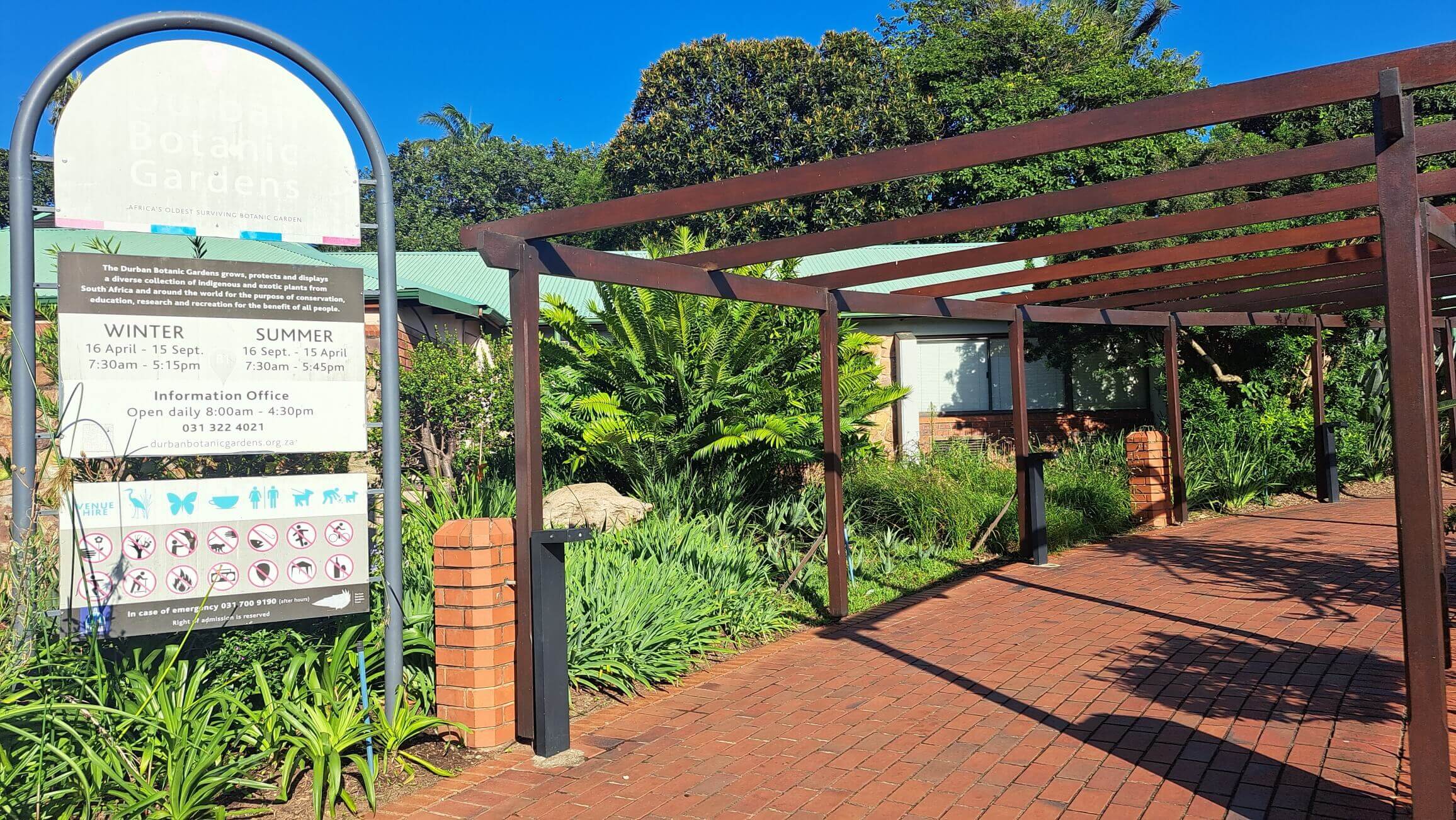
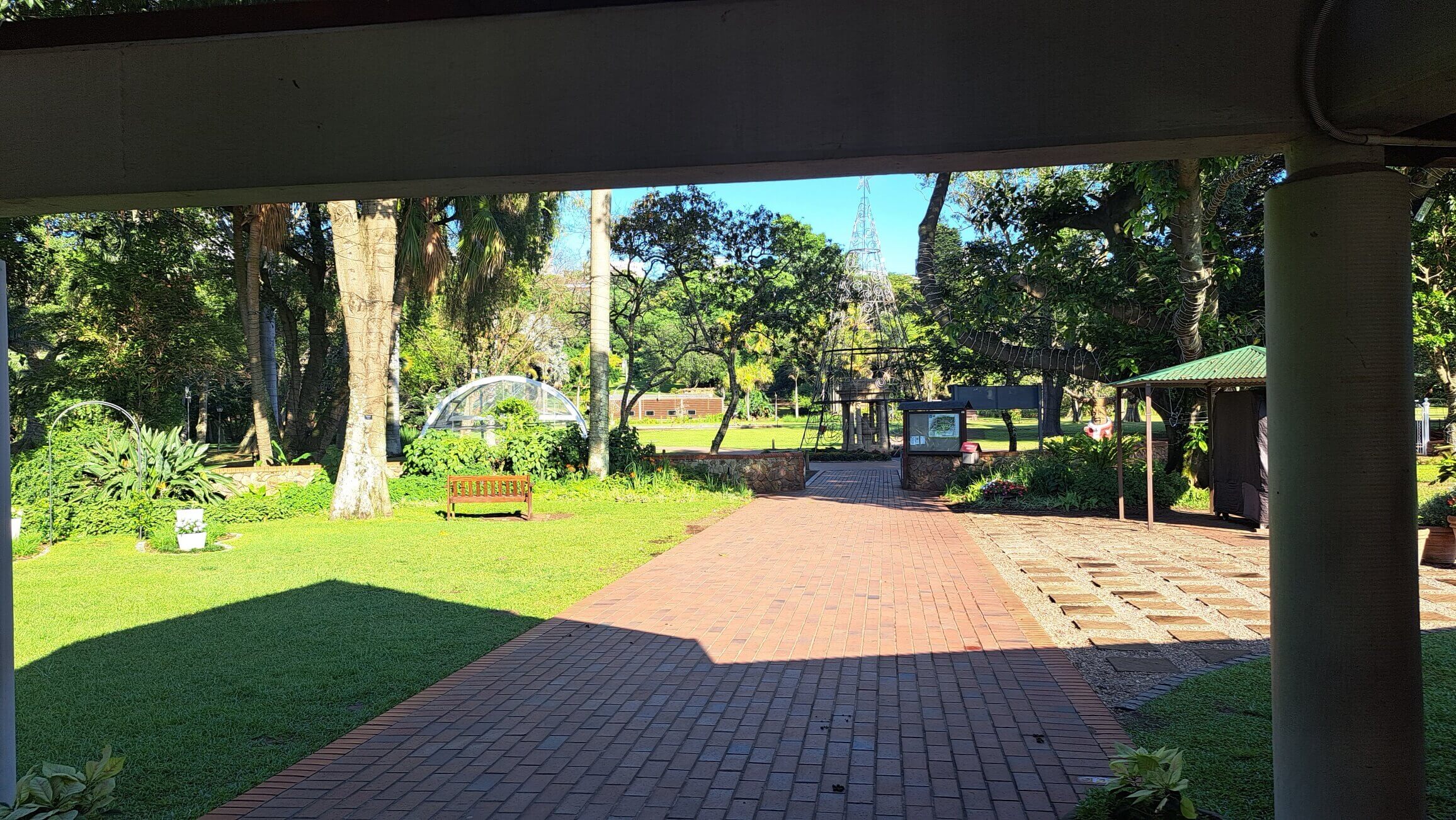
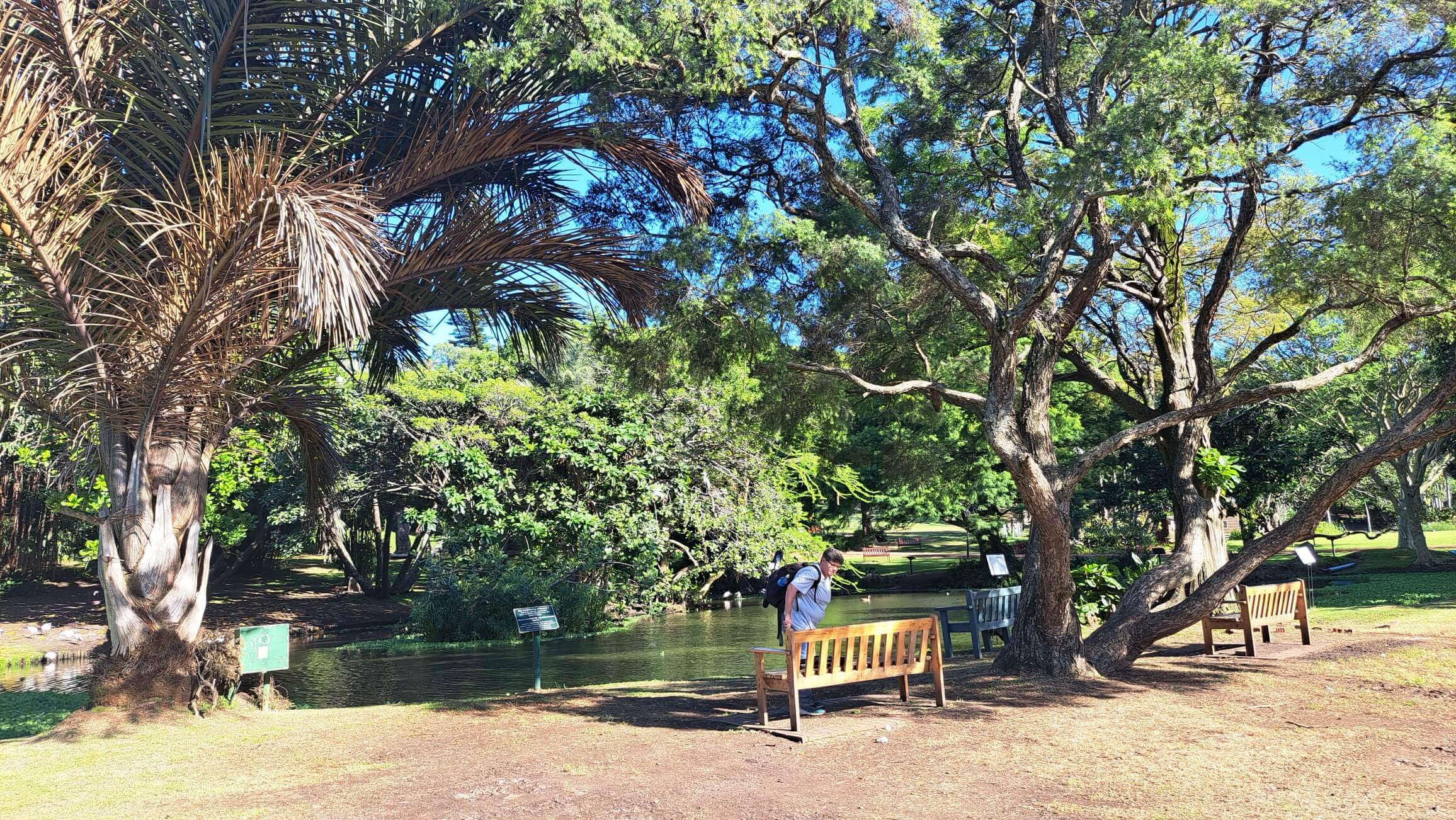
DURBAN BOT GARDENS
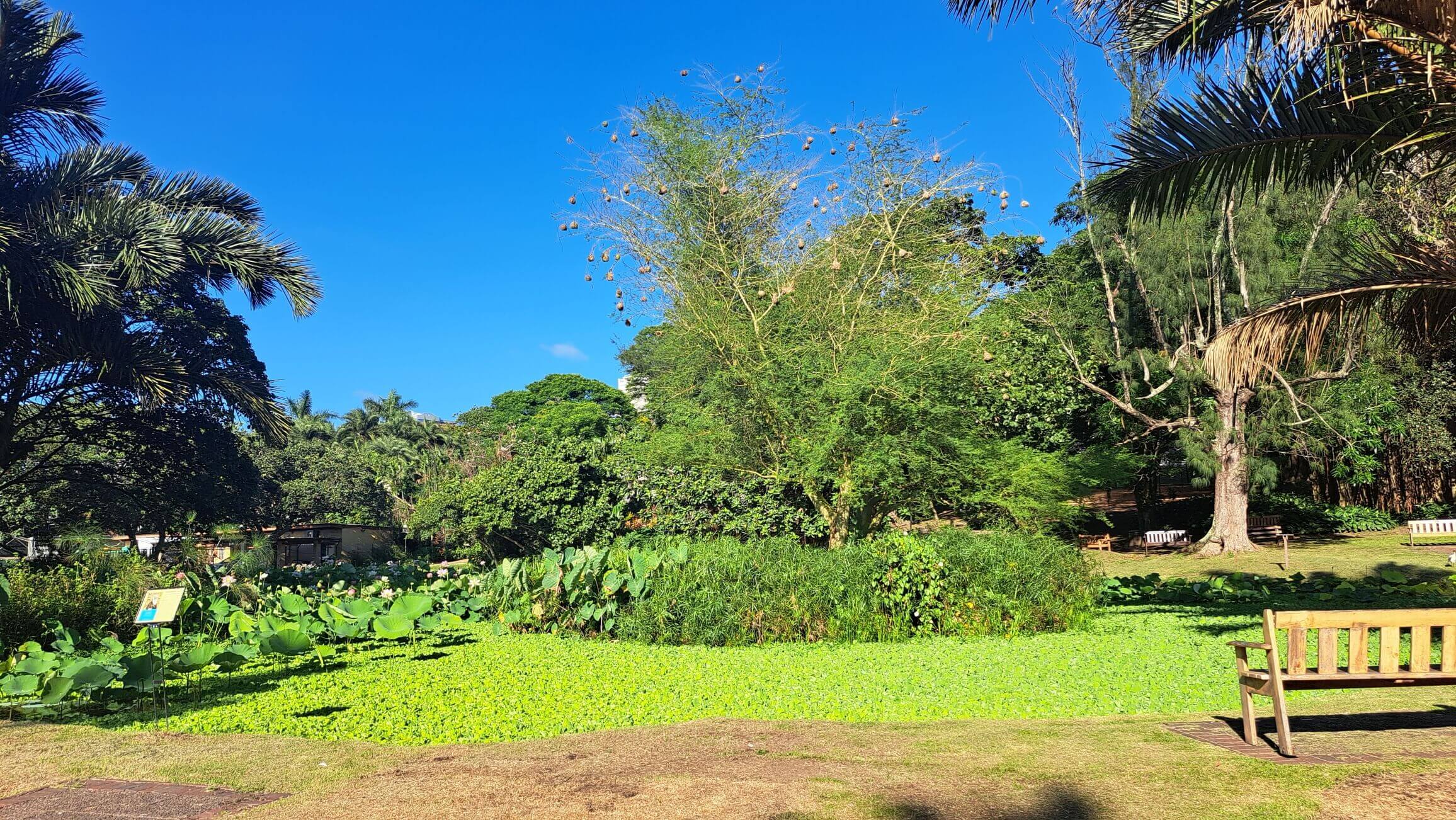
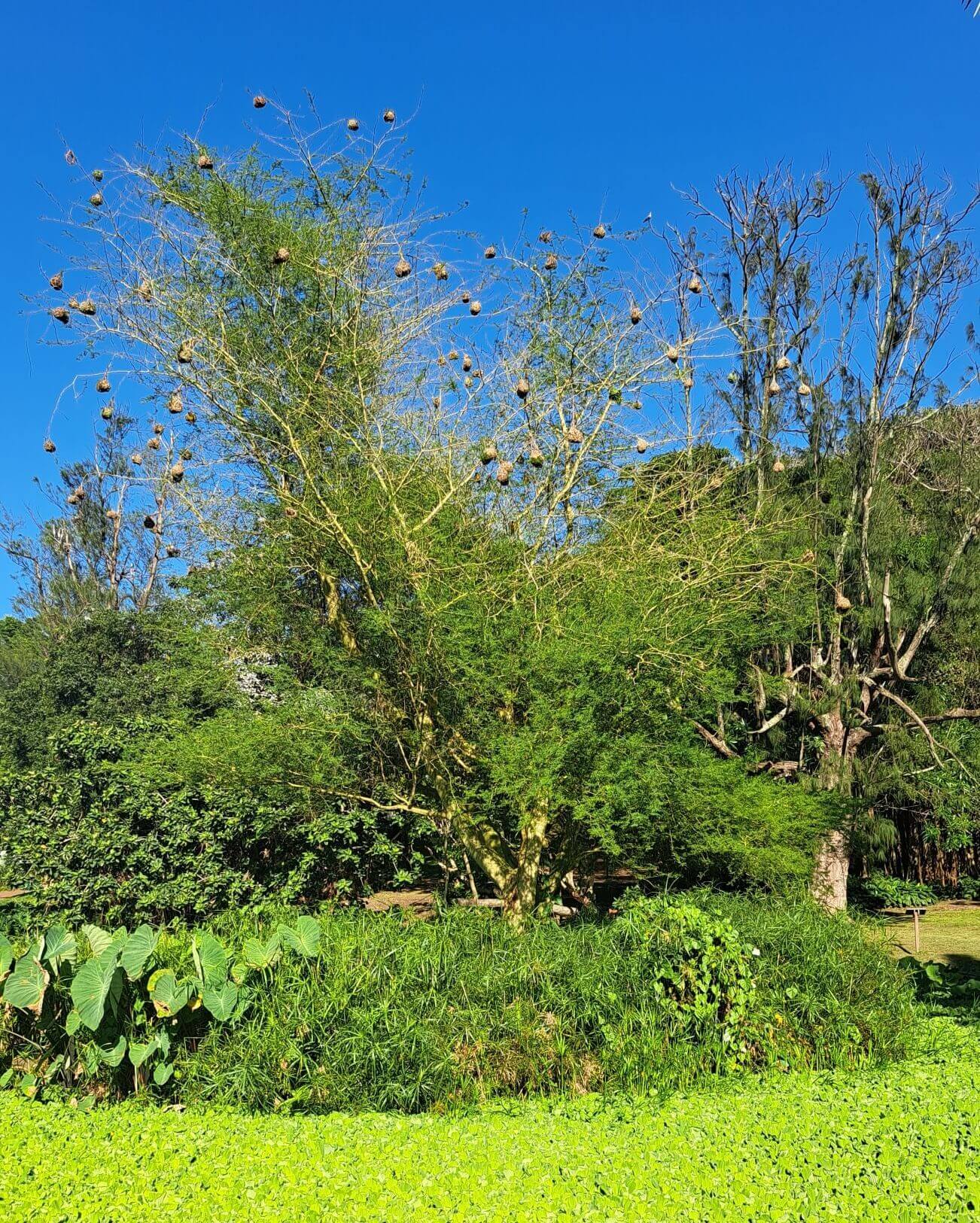
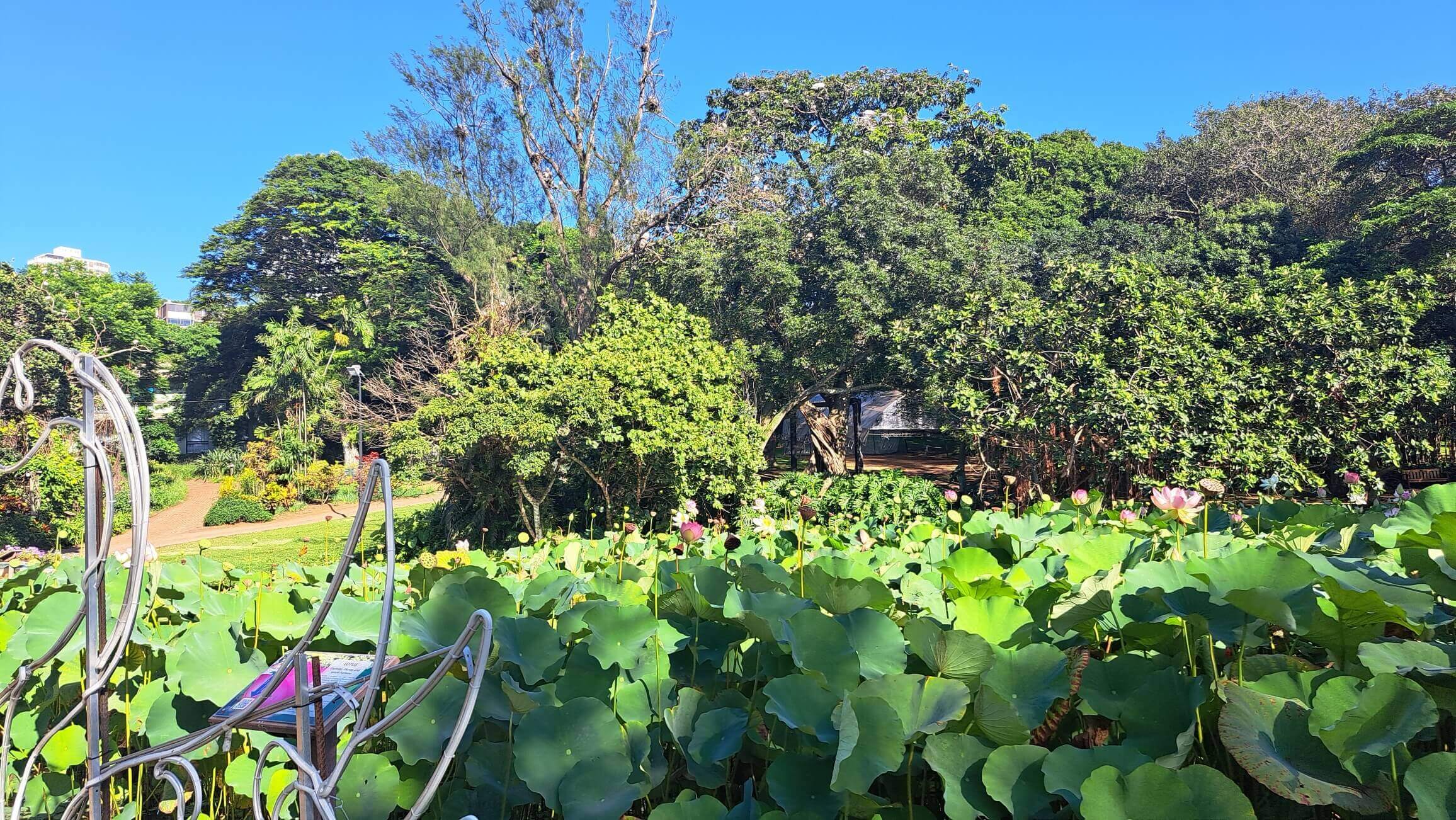
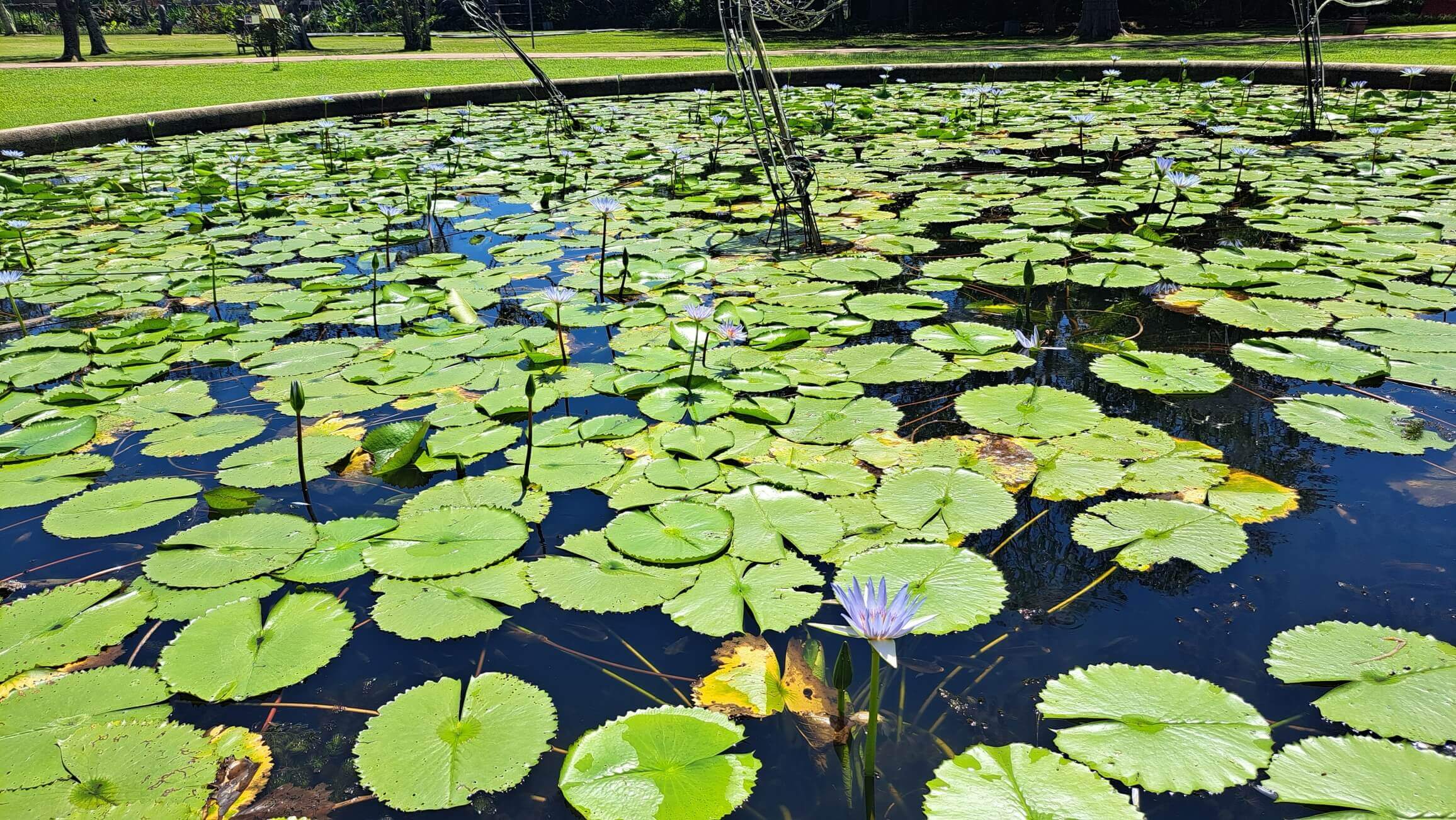
Best time to visit: December to end of January. This is because the Red Bishops and Weavers and Lilies are going mad then - but there are always other birds, and further up into the garden, loads of flowers and bees etc.
Cost: no entry fee
Opens 7.30am - with no clouds, by 9.30 it gets very bright - with clouds, you can go to 10.30
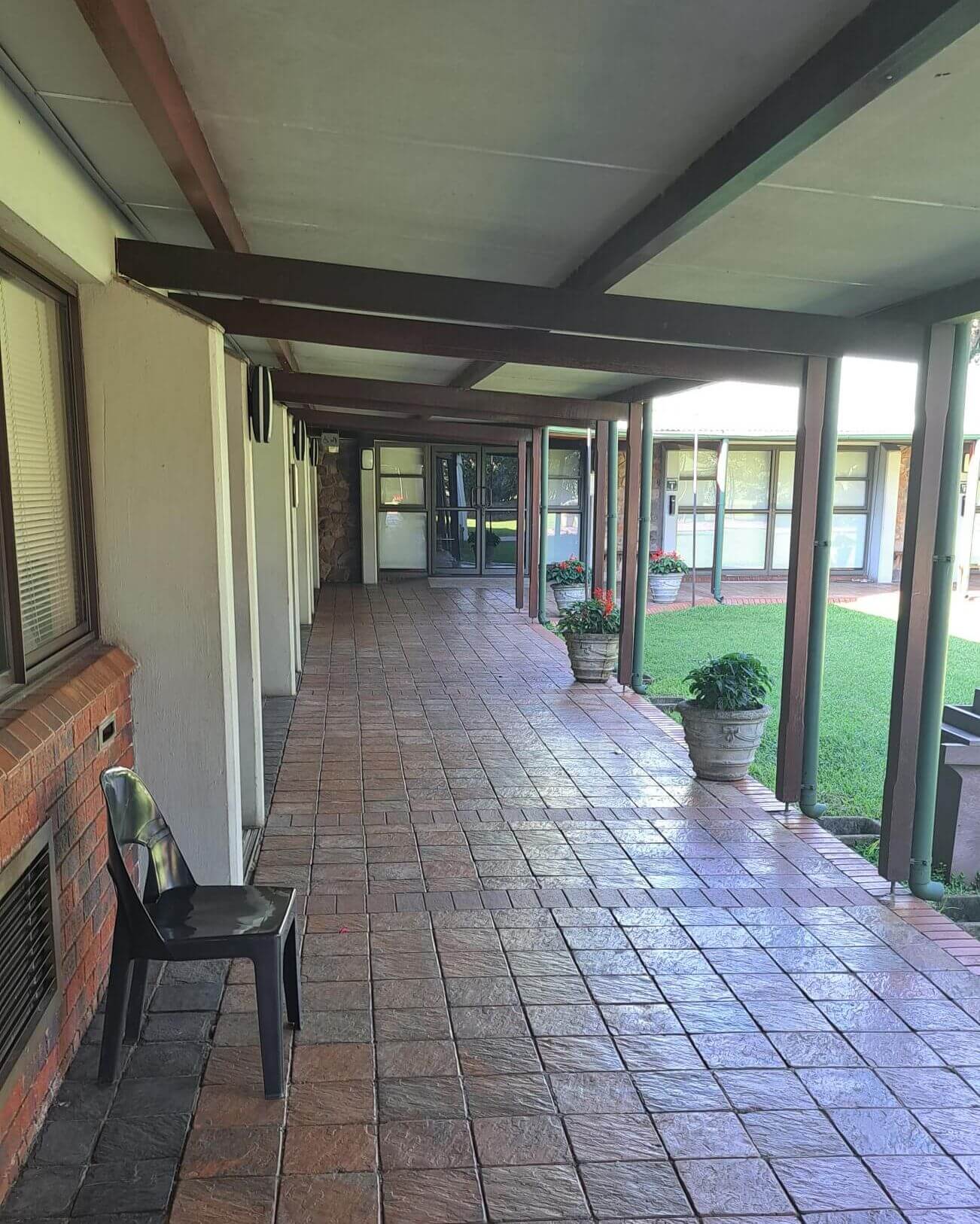
Toilets: yes, at the entrance and another set further up into the gardens
What to photograph: in Dec to Jan, Red bishops around the side of the lake. Weavers in the middle of the lake.
Other birds: herons, spoonbills, malachite kingfishers, pied kingfishers, pelicans, hammerkop, geese, mandarin ducks, and a host of little brown jobs, Sacred Ibis.
Other things: bees in the lilies in the pond, and in the other flowers further up into the garden. Flower mantises too, and butterflies if you are very lucky.
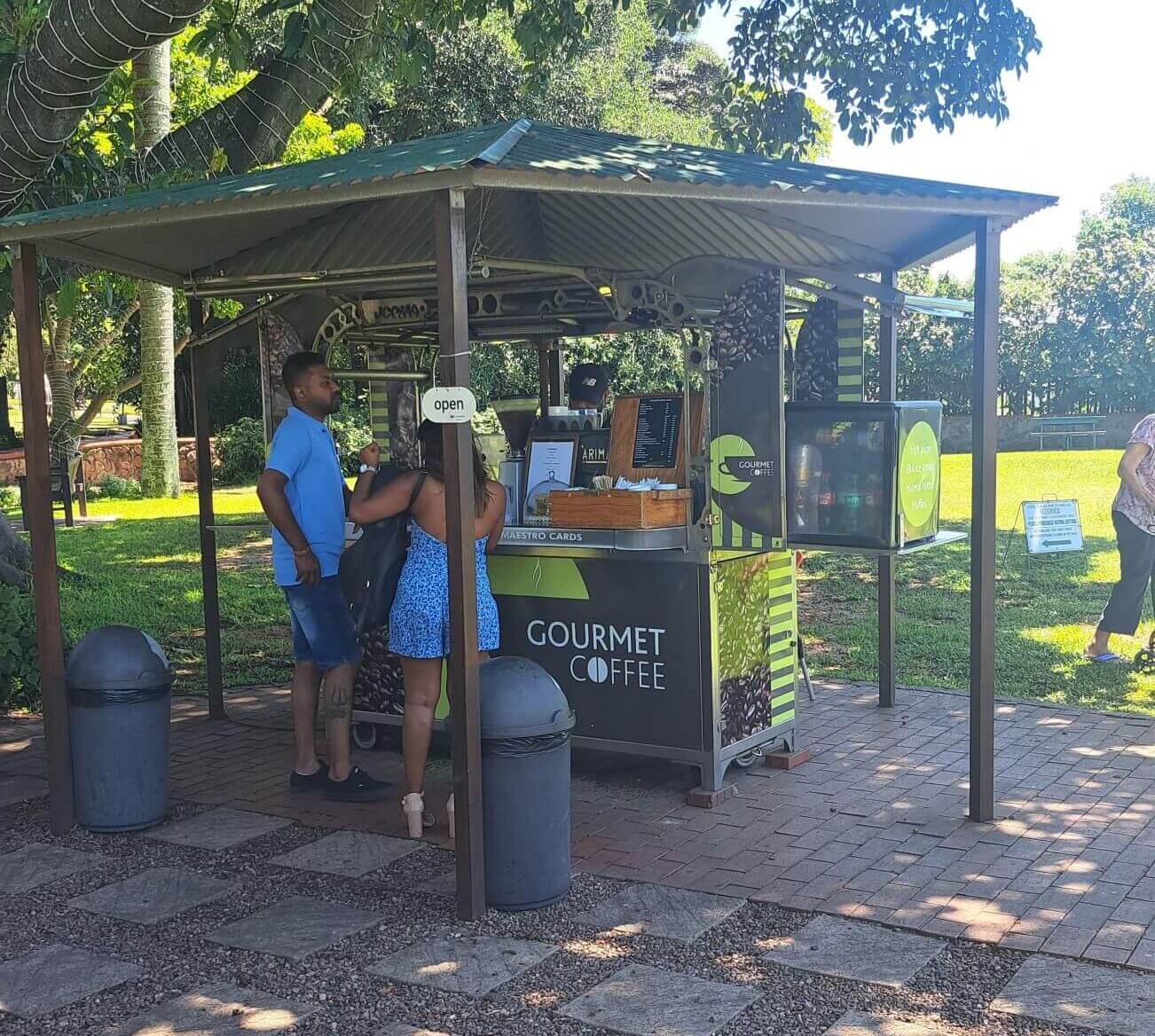
Take: hat, sunscreen, water, snacks - there is a coffee stand that sells wonderful coffee at the entrance from 9am. Take a little chair if you want to sit right next to the lake and wait for the heron to catch fish, or the kingfishers to fly on by.
Lenses: macro for bees and flowers; medium lenses for bishops, herons, most other birds; long lenses for other birds. The birds are used to people, so if you don't have a long lens, its not a problem. They don't bother much with humans.
How to get there
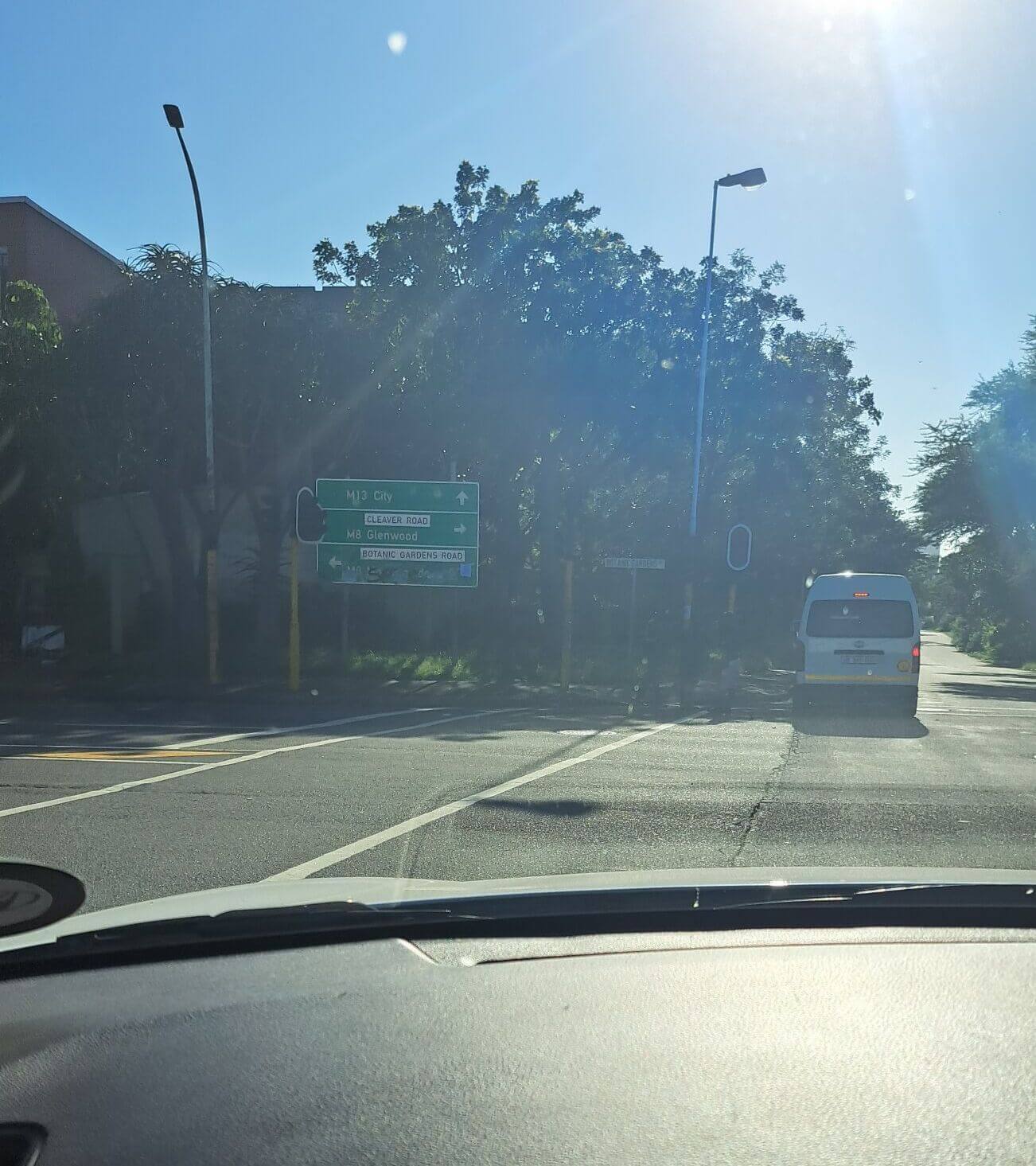
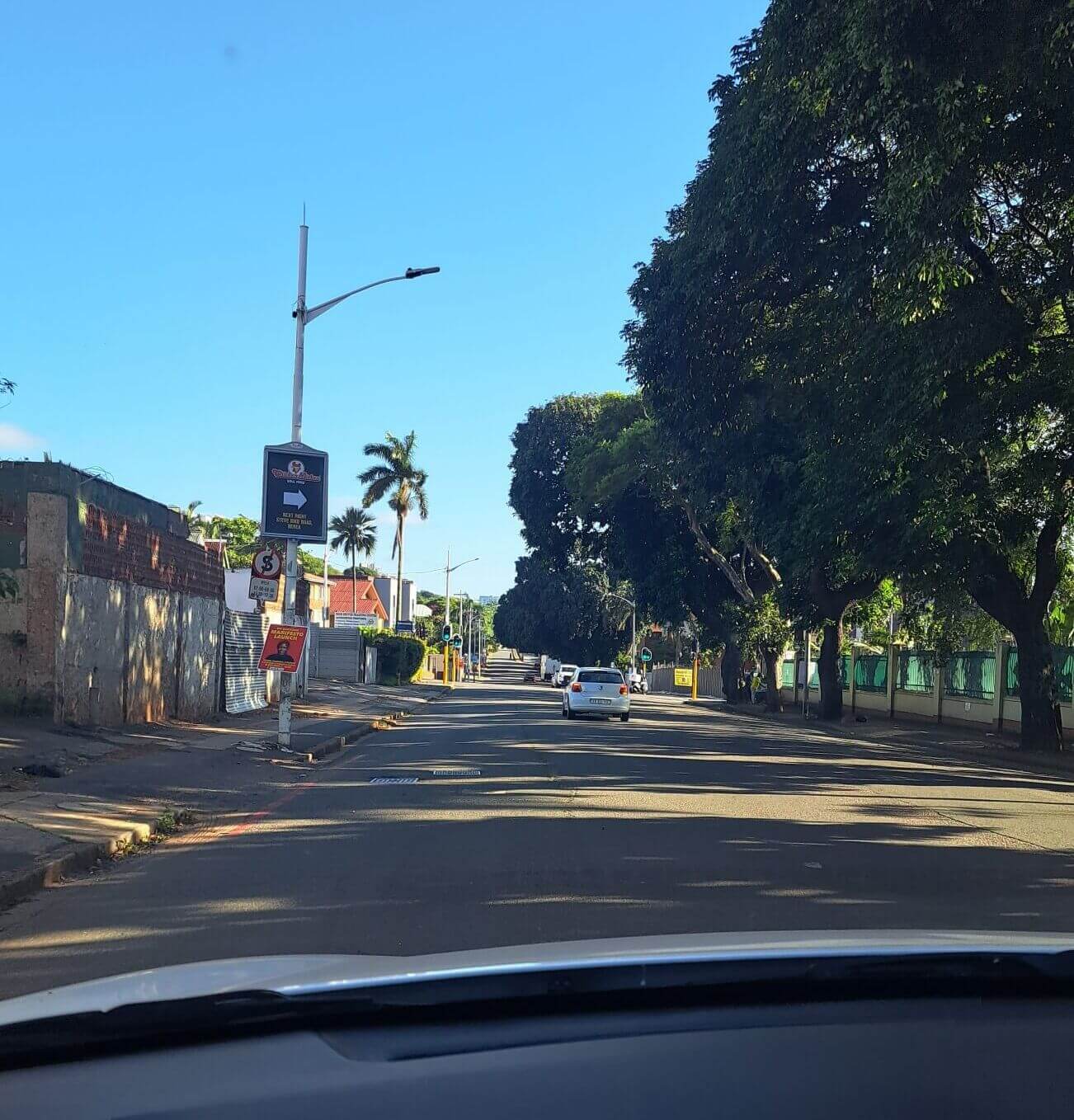
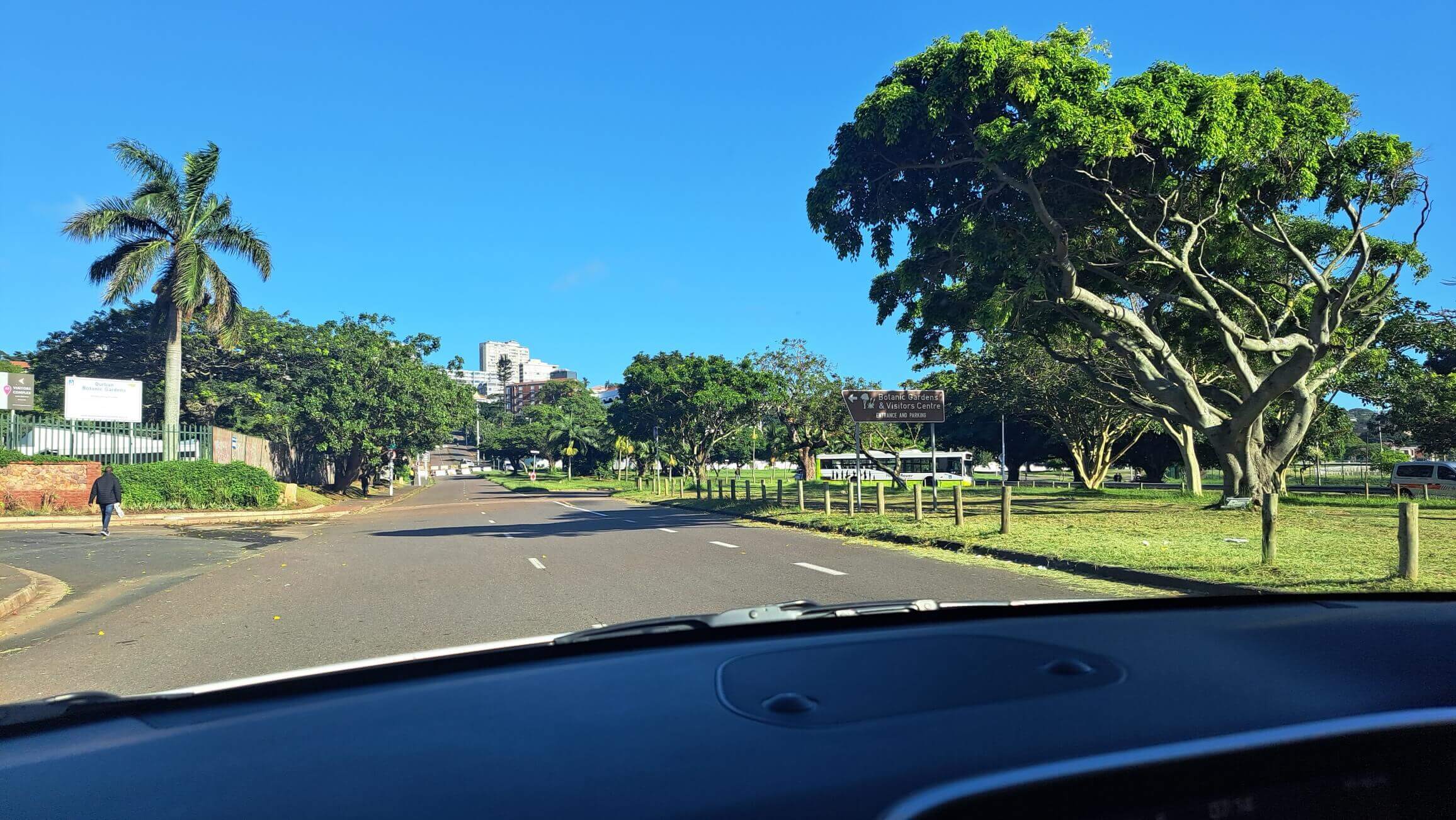
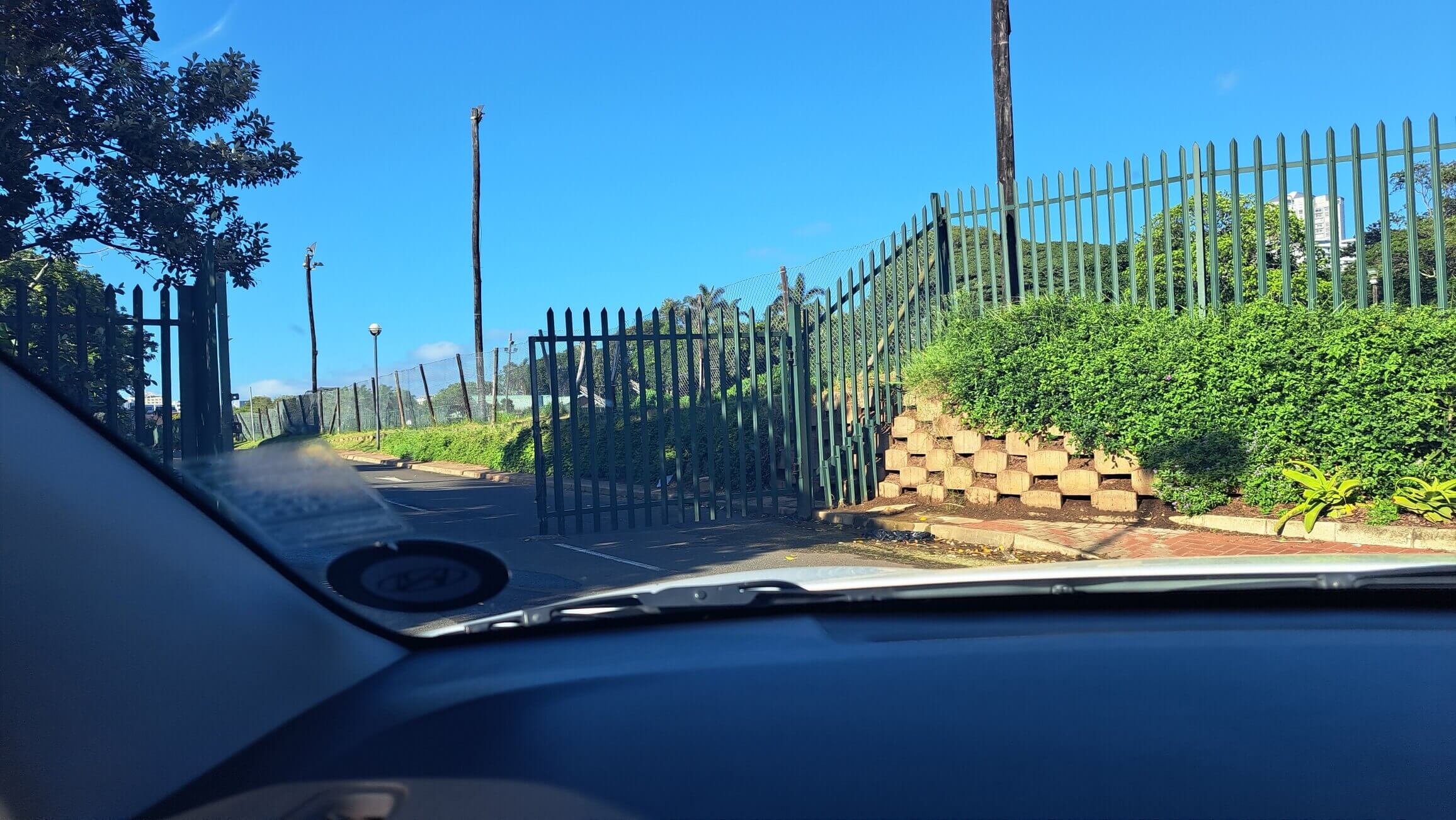
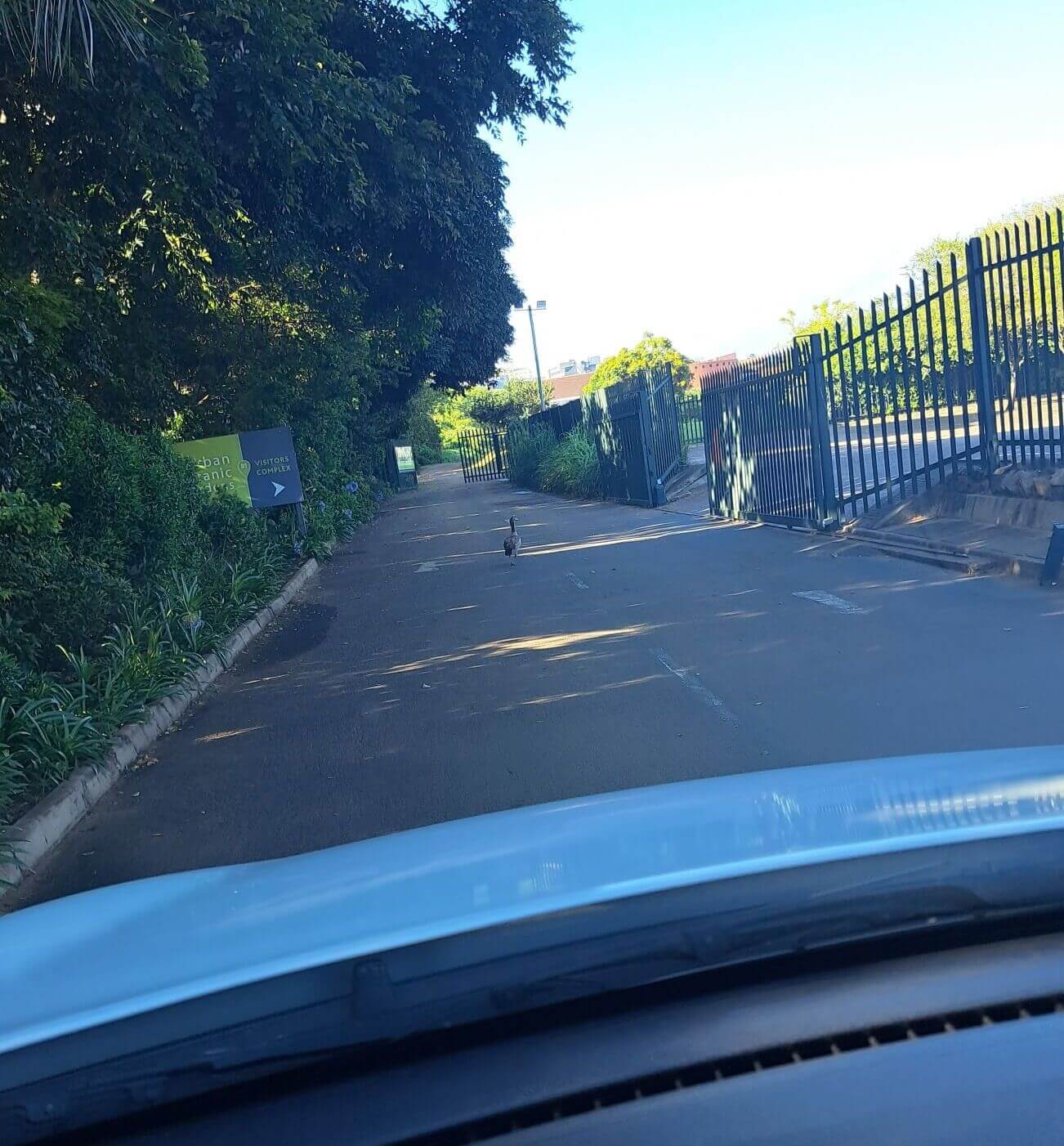
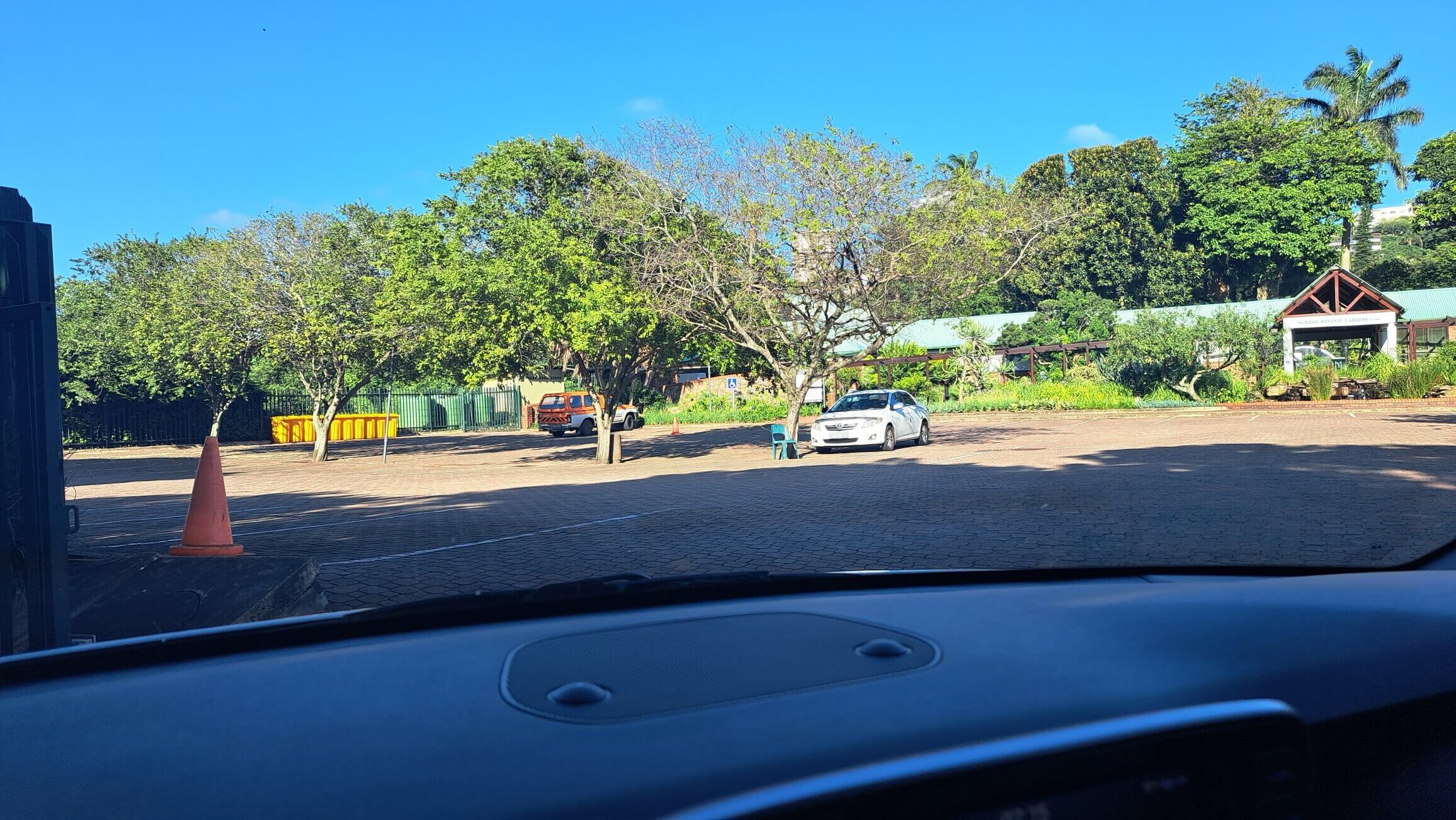
On the N3 - take the Berea turnoff. Go through 3 sets of traffic lights. At the 4th, turn left into Botanical Gardens road. Travel right to the end. At that traffic light, go right, and stay in the right hand lane. You will see the Bot Gardens entrance on the right - you will need to cross over to get to it. Gates open 7.30 (sometimes sooner).
KARKLOOF BIRD HIDE
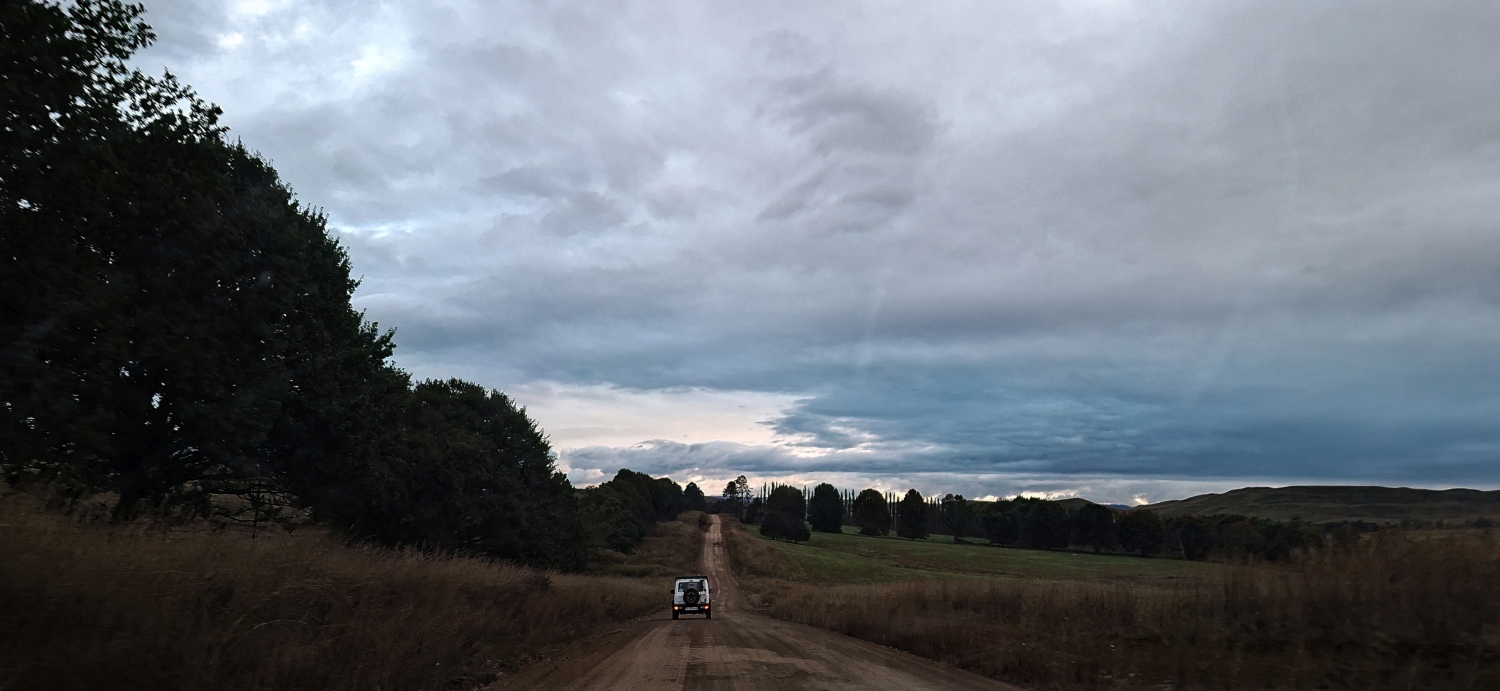
THIS IS A WORKING FARM. Please respect other vehicles, including the occasional tractor.
Cost: Donation of R40 per person (varies)
Opens Sunrise or a bit before - with no clouds, by 9.30 it gets very bright - with clouds, you can go to 10.30
Closes - by sundown
If your car is inside, it will be locked in!
Toilets: yes, at the entrance where you pay - if locked, the key is on the shelf above the door. Take your own toilet paper.
What to photograph: Birds!
There are TWO birdhides - the one on the left is far more productive, the one on the right sometimes has lots more birds, but far away - you def need a 600mm for that.
Other things: take your macro lens for raindrops outside the birdhide
Take: snacks and drinks and a cushion if you prefer a soft chair - the chairs are wooden logs.
Lenses: macro for bees and flowers; you need long lenses (400mm minimum, 600 much better) as the perches are not very close to the hide.
How to get there
Take the N3 to Howick (there are many ways into Howick this is just one...)
Take the road that goes passed all the Ambers...
Go straight for many many minutes... (about 20mins, depending on how fast you drive).
On the right, you will see a sign, KARKLOOF CONSERVANCY. Turn in.
With the Foot and Mouth Disease, the gate may be closed. Park at the top where it says PARKING.
If the gate is open, you can sometimes drive down. BUT be aware that this is a working farm, and your car must be off the road, so as not to be runover by huge farm equipment.
If you park at the top, you then walk through via the pedestrian walkway, to the window of the office. You put your monies in an envelope and push it through the slot.
Then walk down...
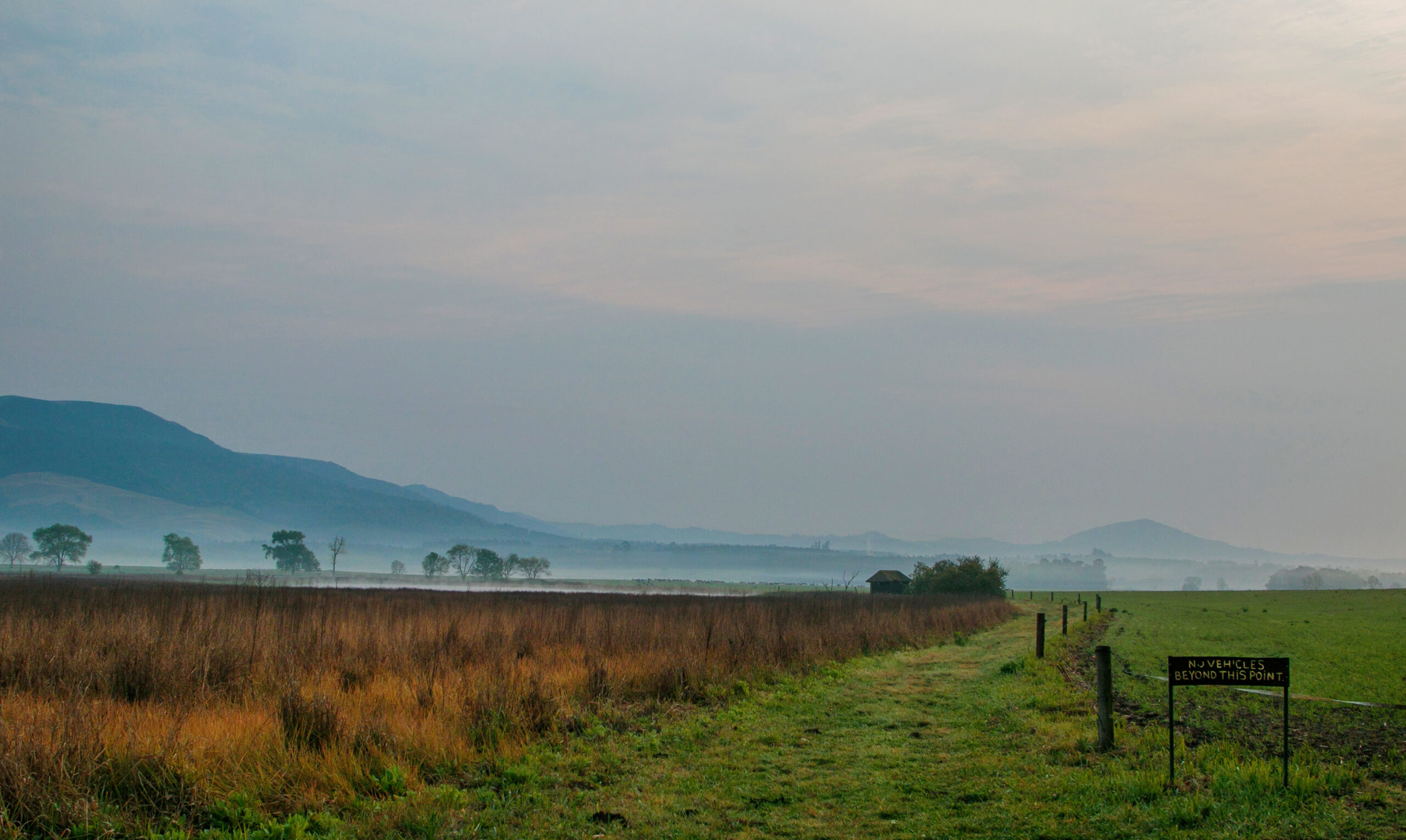
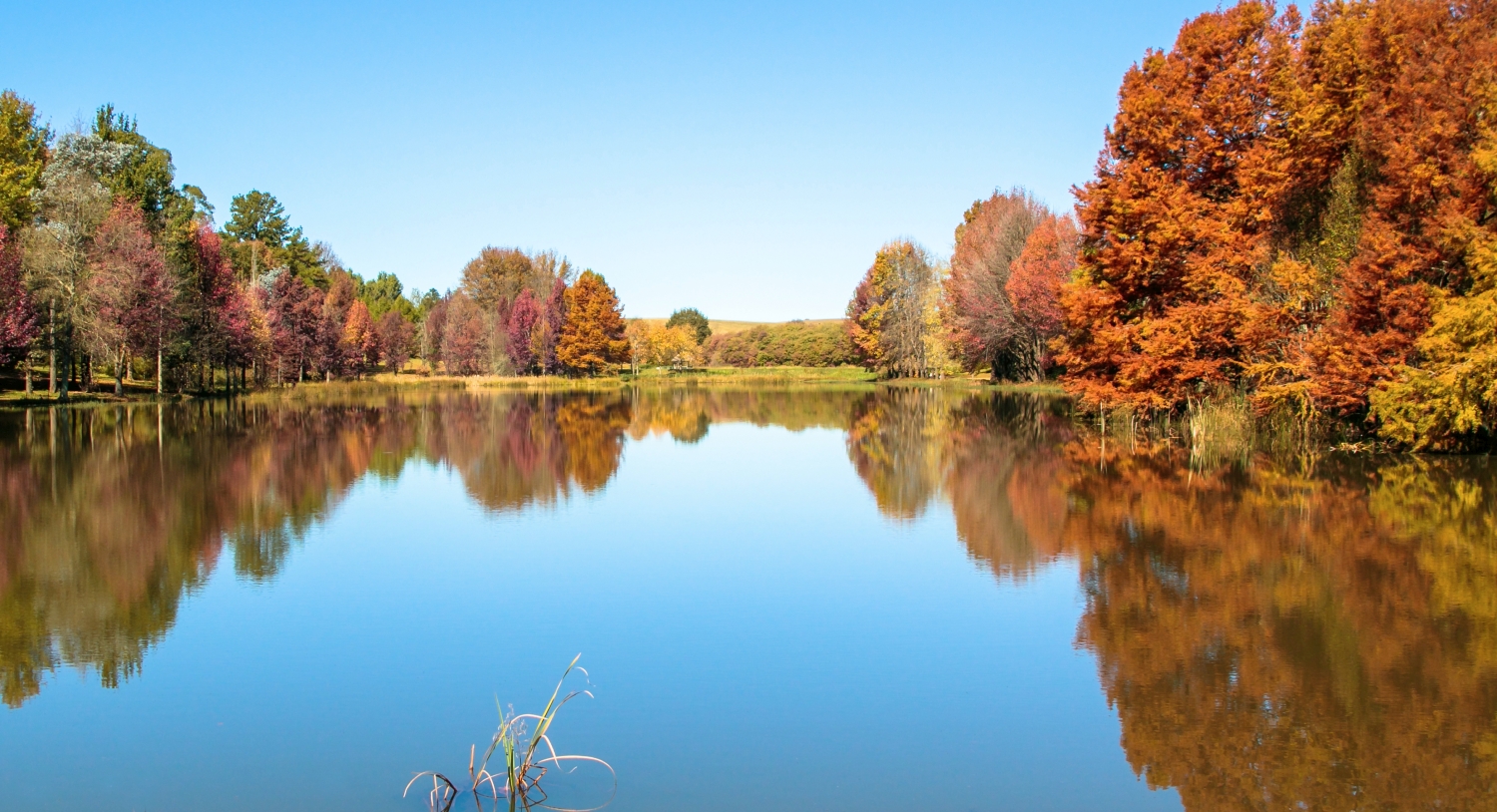
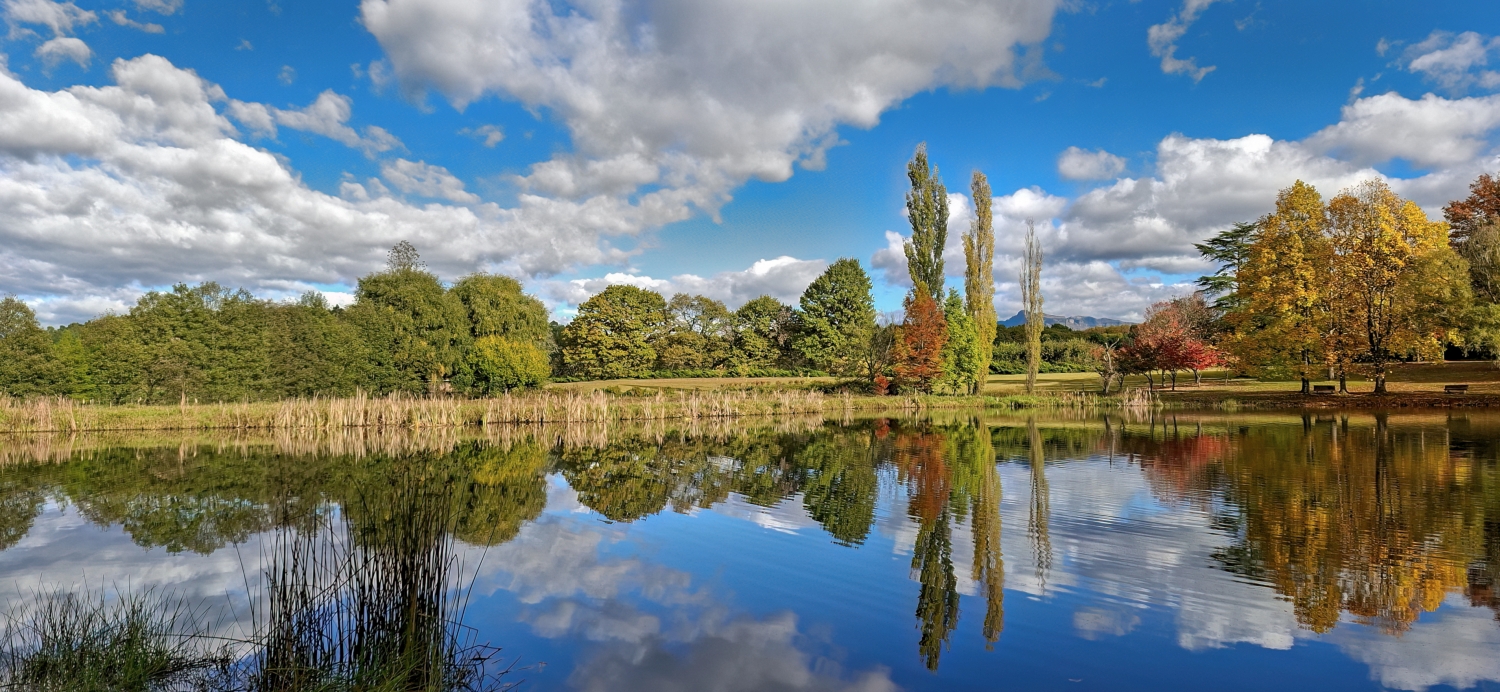
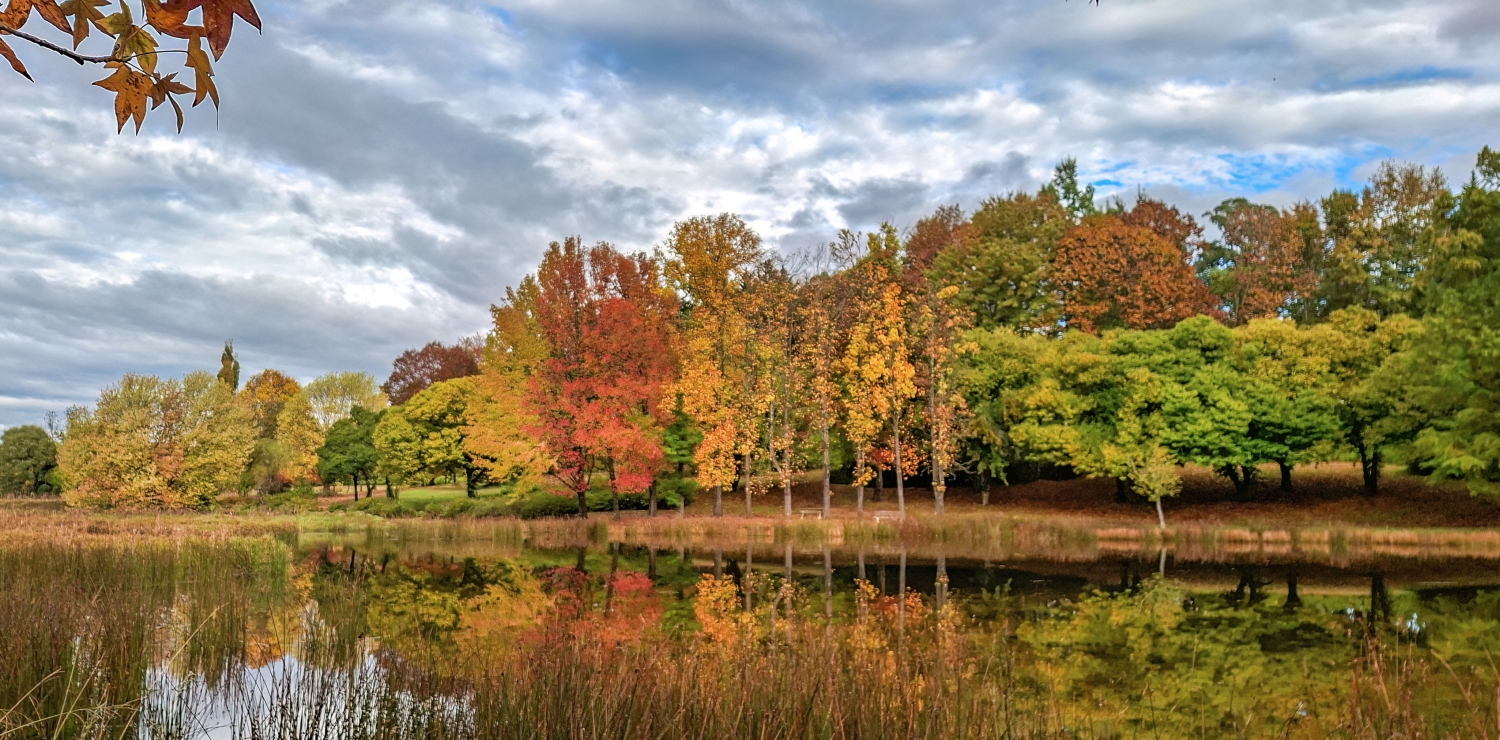
KENMO LAKE, HIMEVILLE
BEST TIME TO VISIT - end of April, beginning of May
Free entrance.
Sunrise usually around 6.20am
Toilets - are closed due to abuse - use the Engen garage as you drive into Underberg - R2 in the slot, very clean and nice.
Lenses - your short lenses - 18-55mm, 24-105mm etc for landscape
Macro for dewdrops etc
Some bird activity so longer lenses may be advantageous
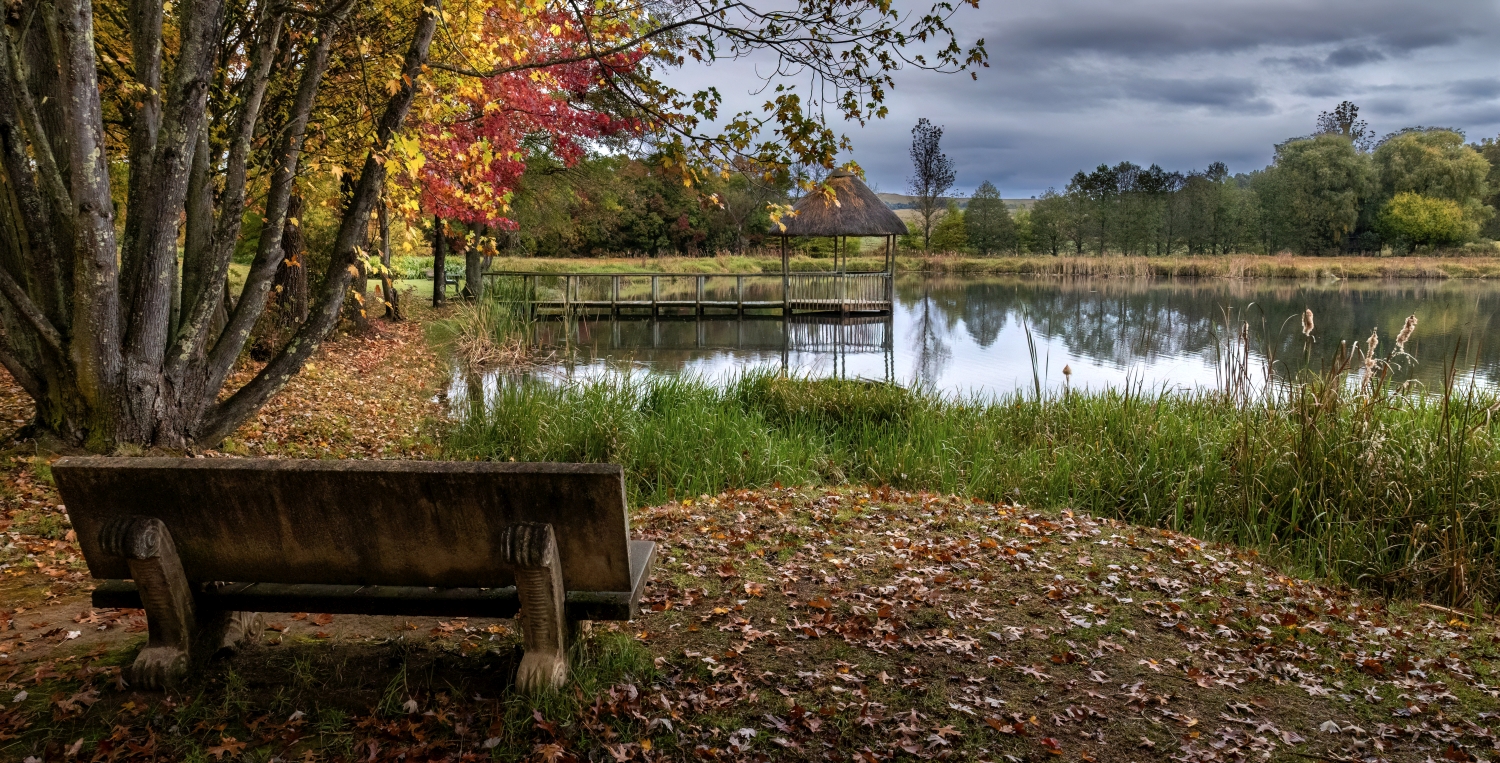
HARE KRISHNA TEMPLE

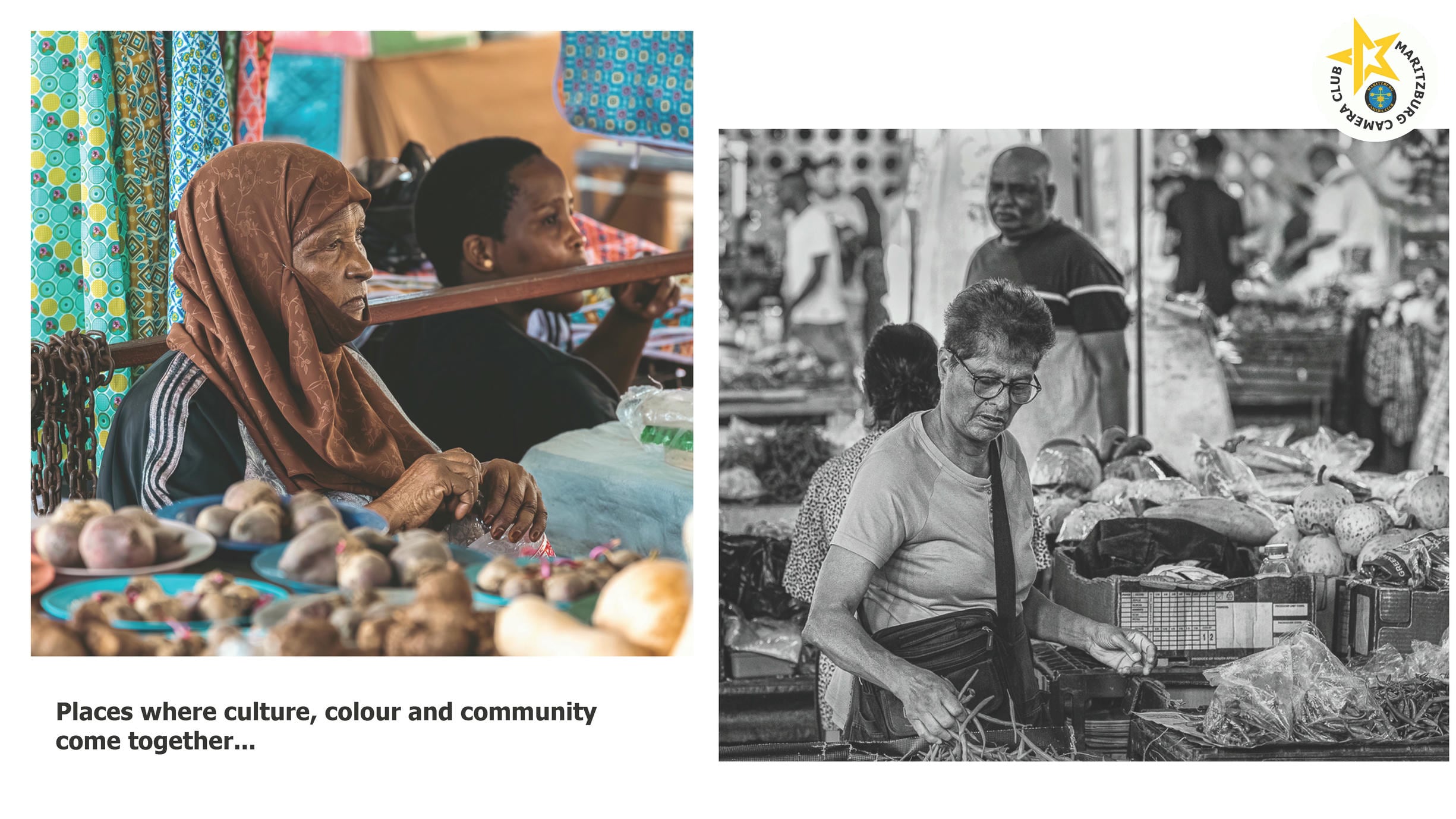
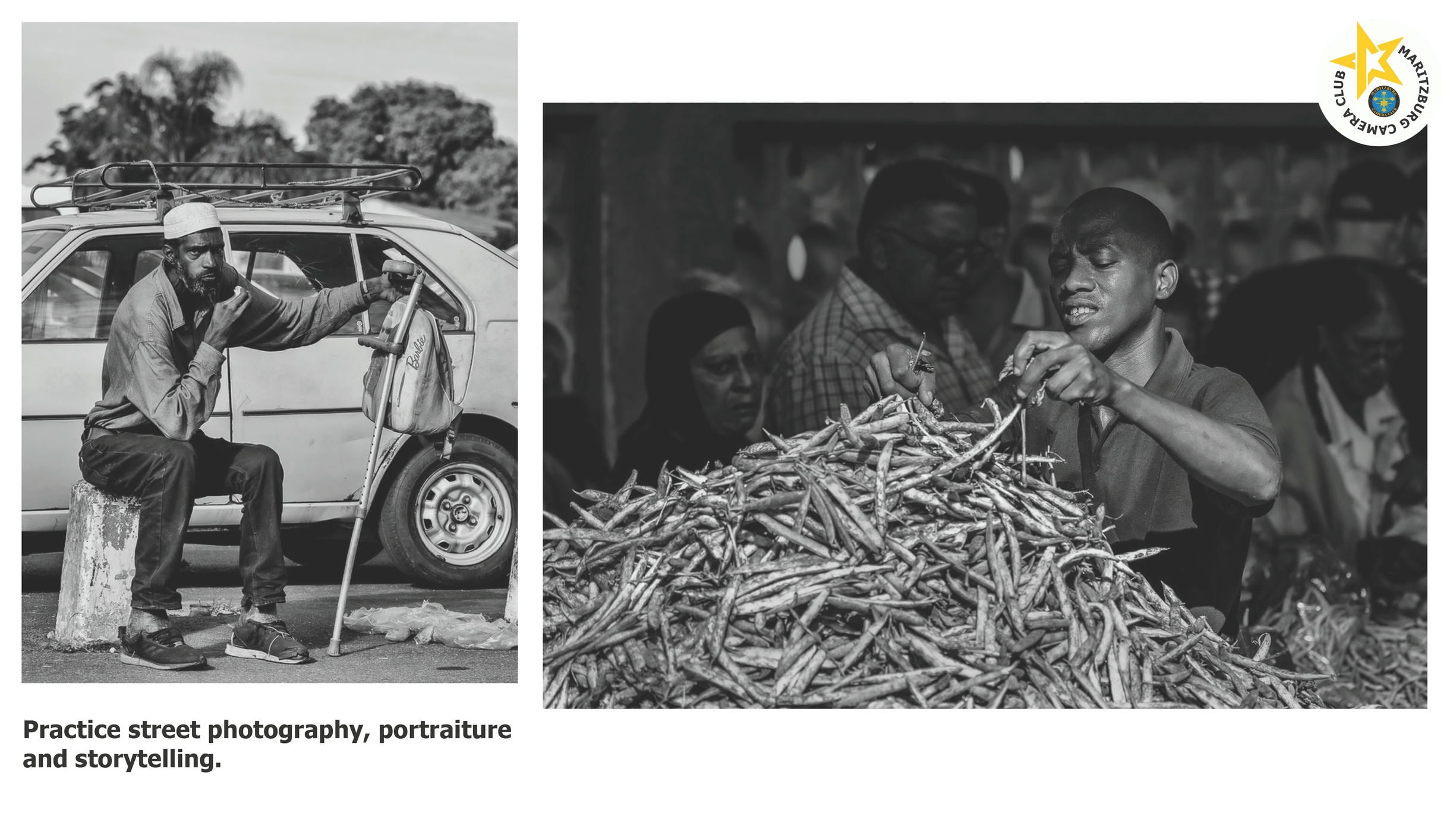
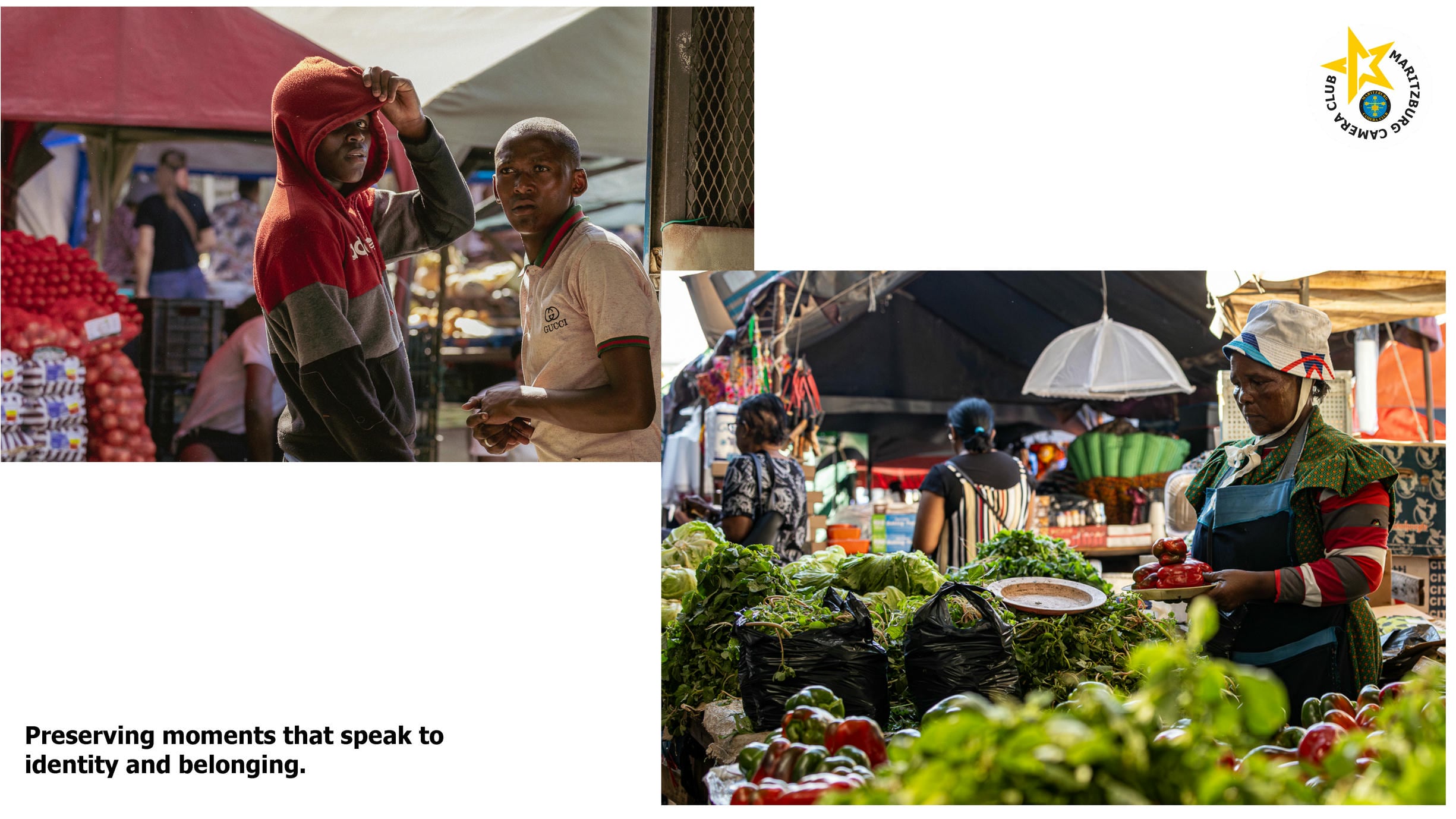
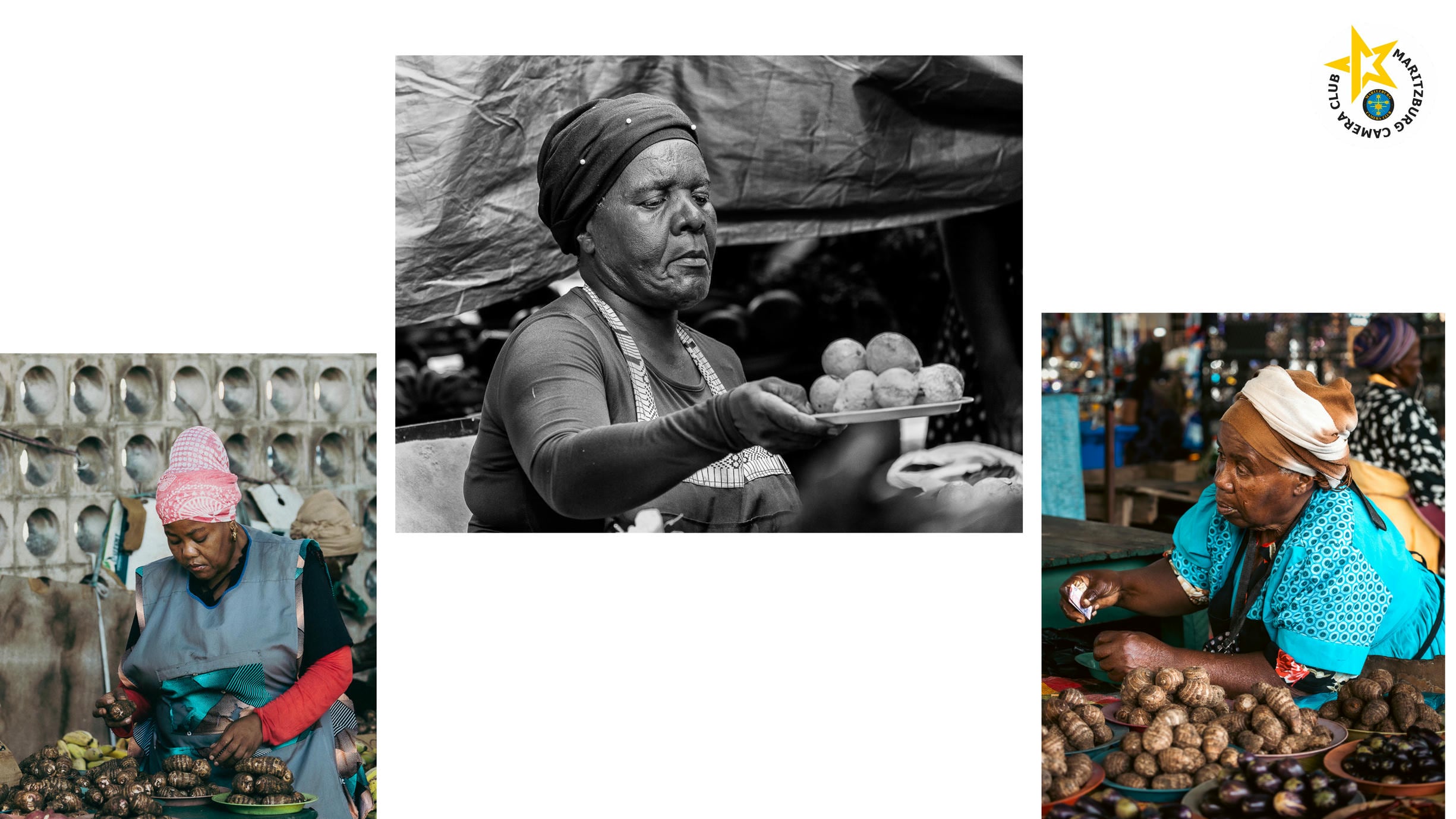
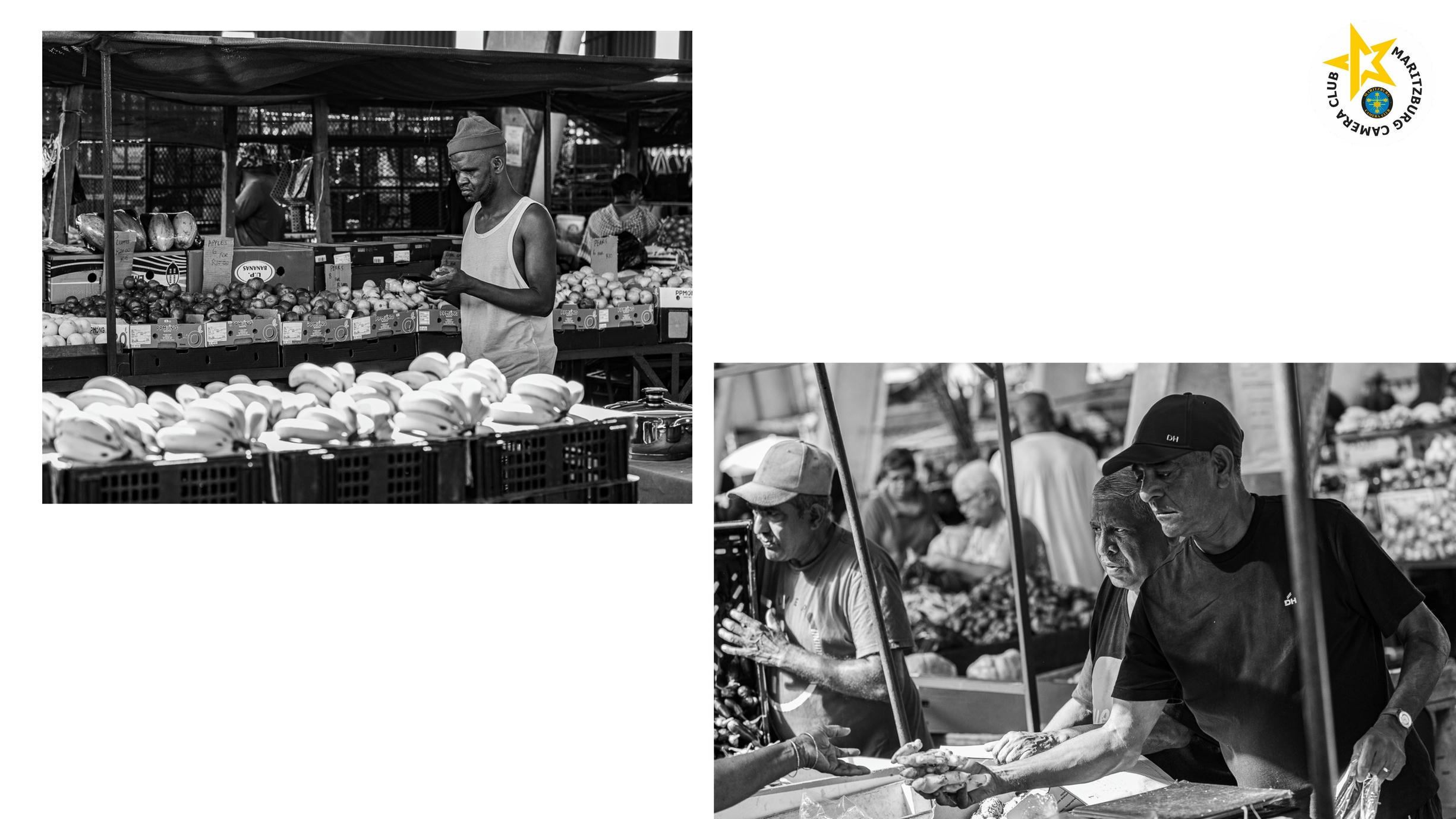
BANGLADESH MARKET

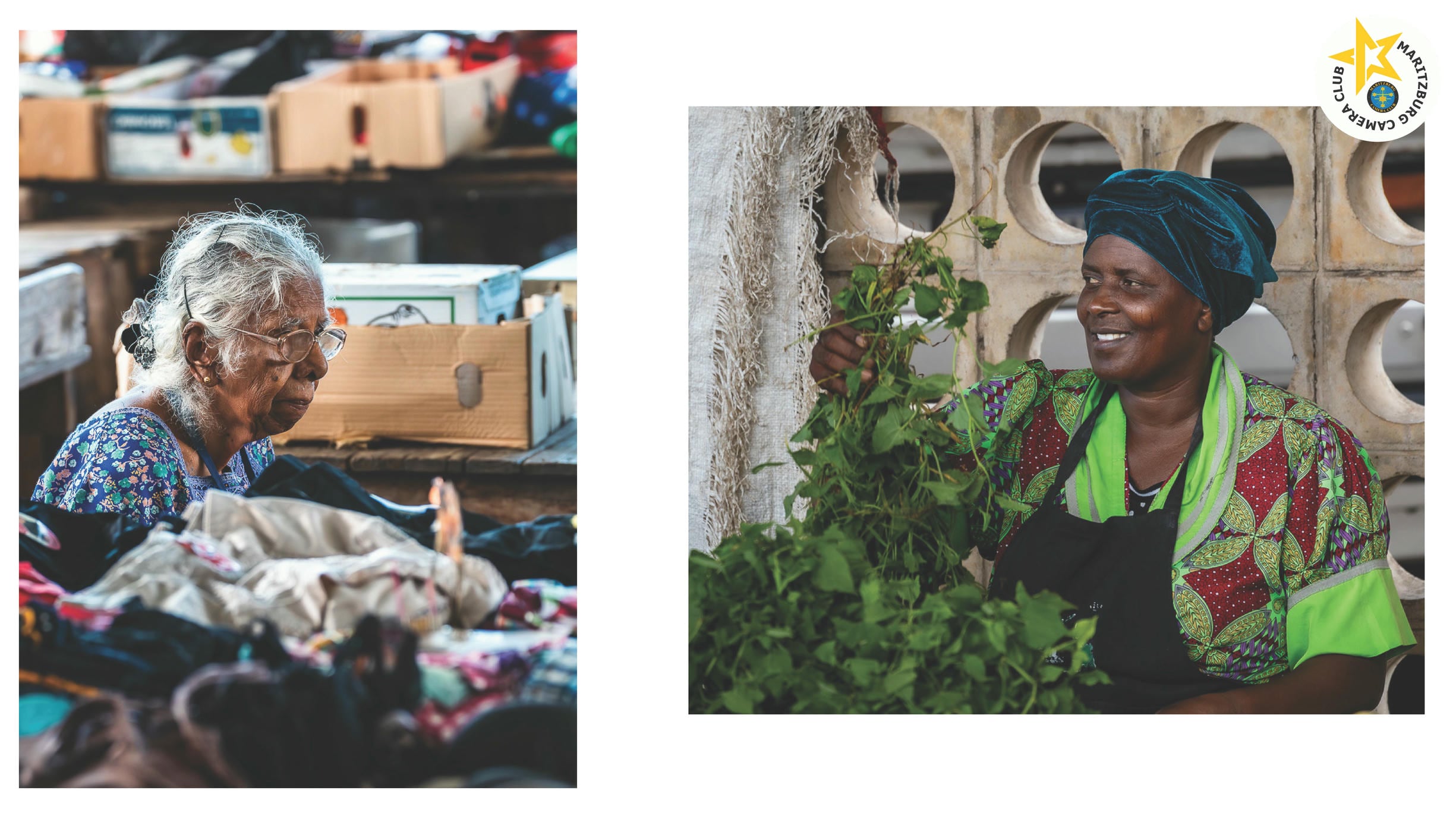
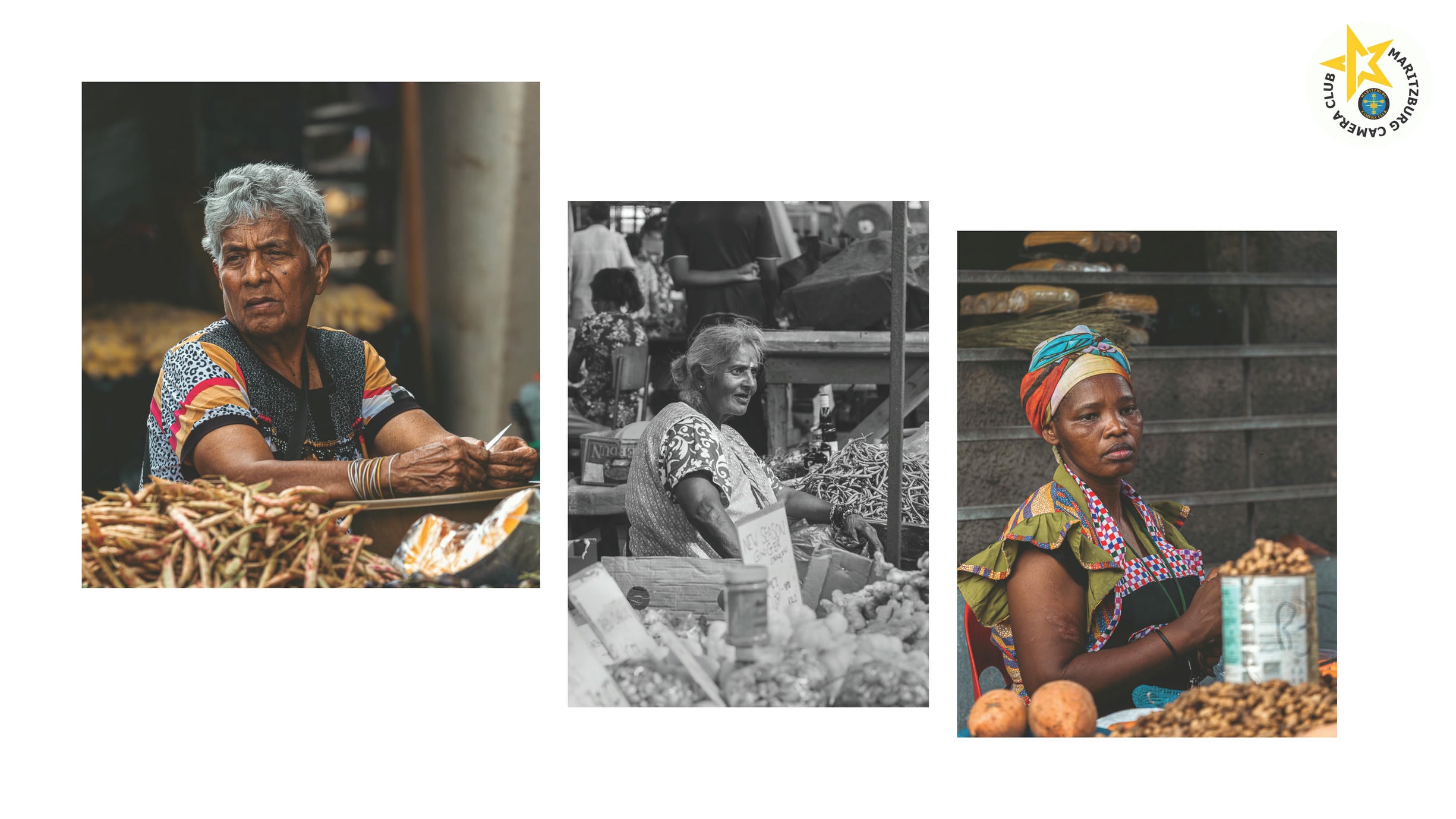
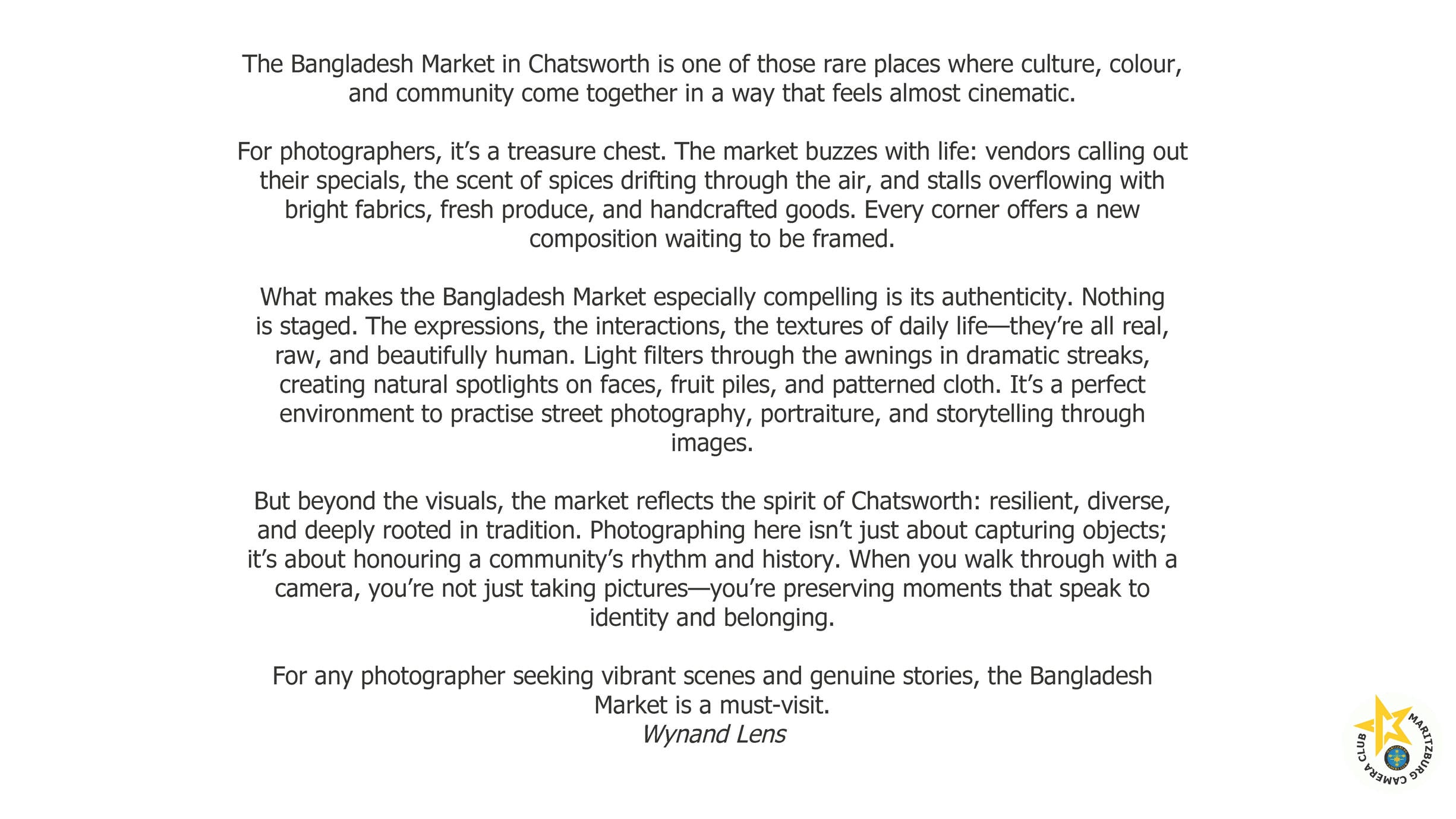
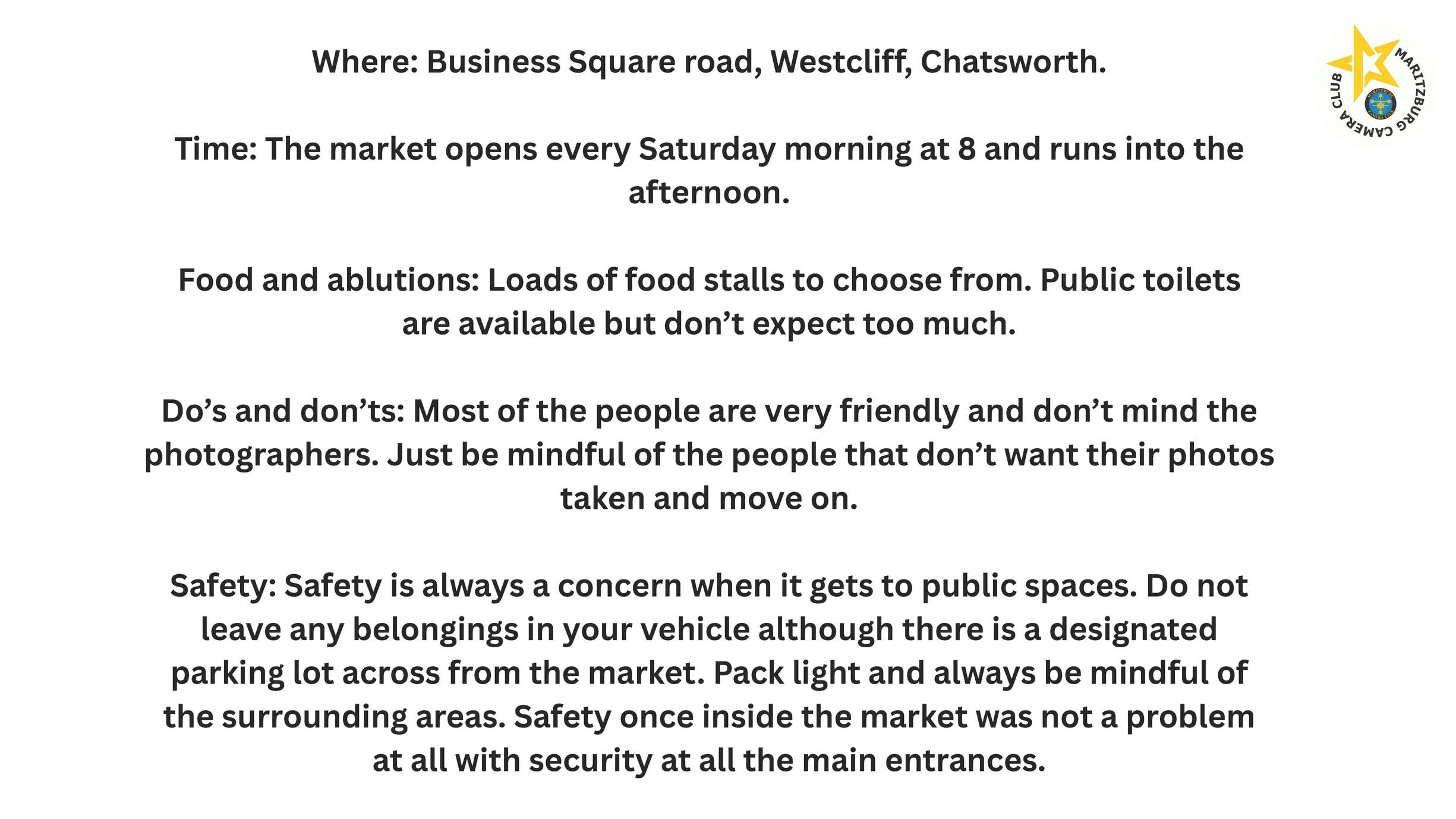
TAMIL TEMPLE

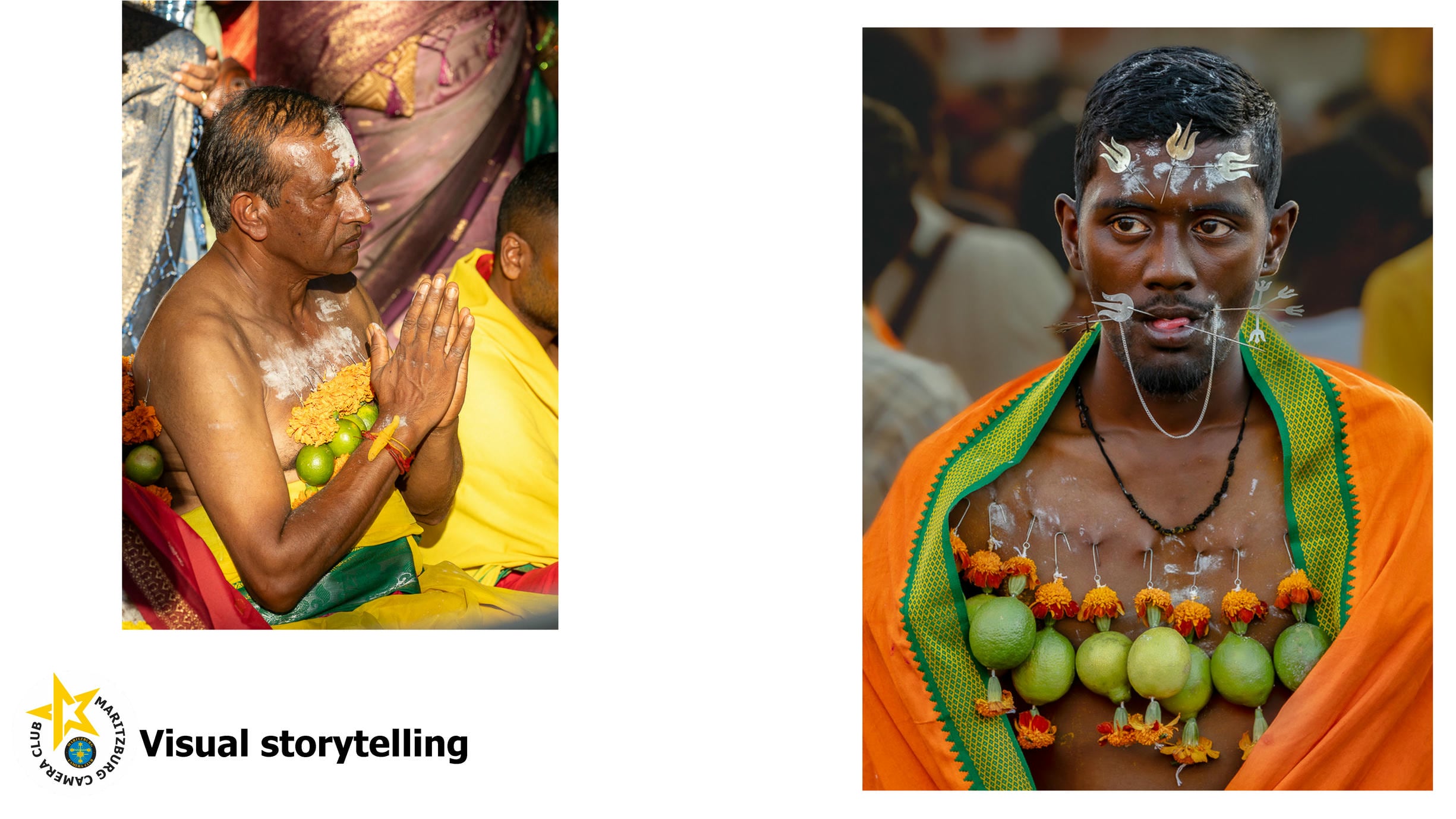
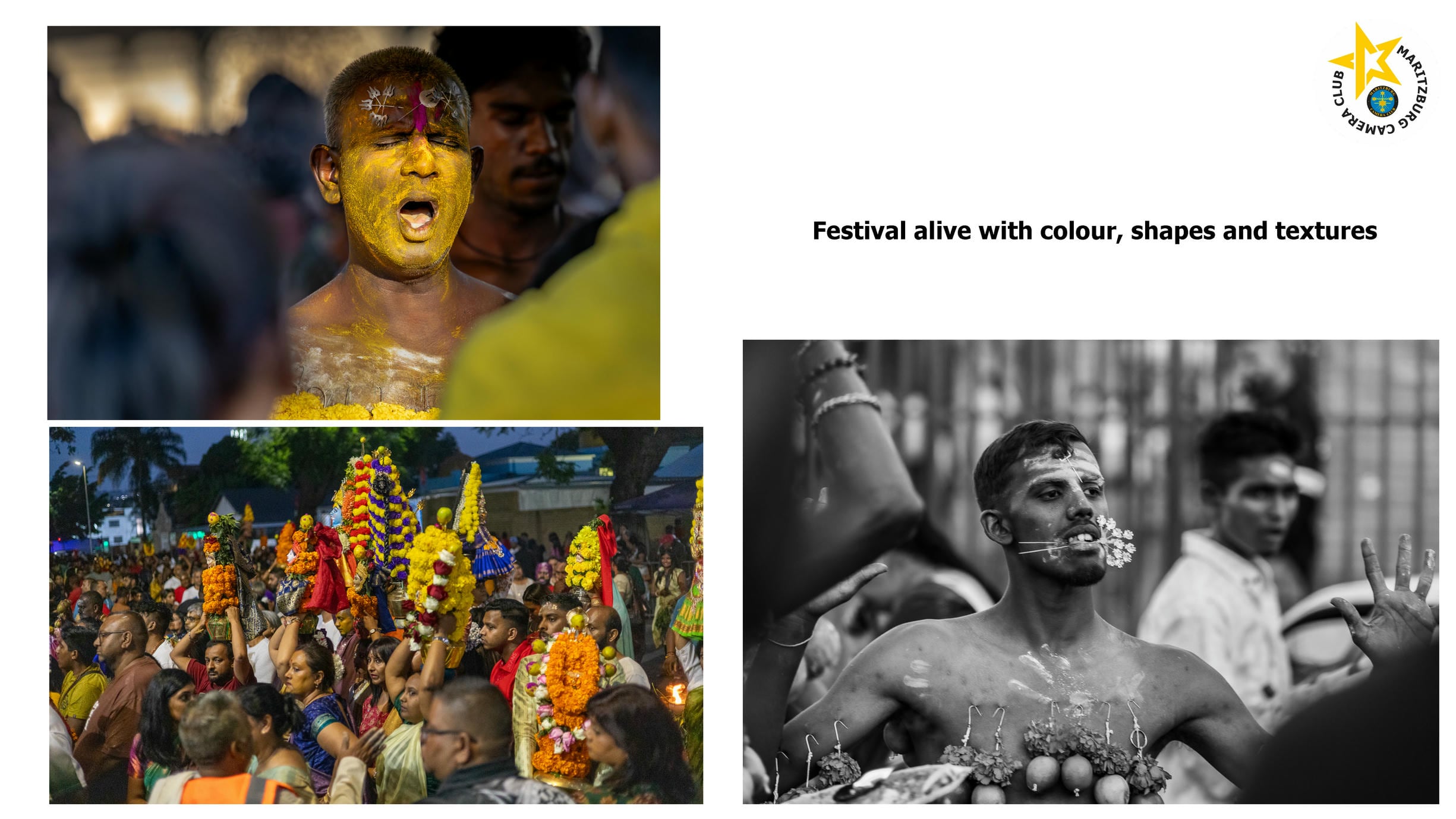
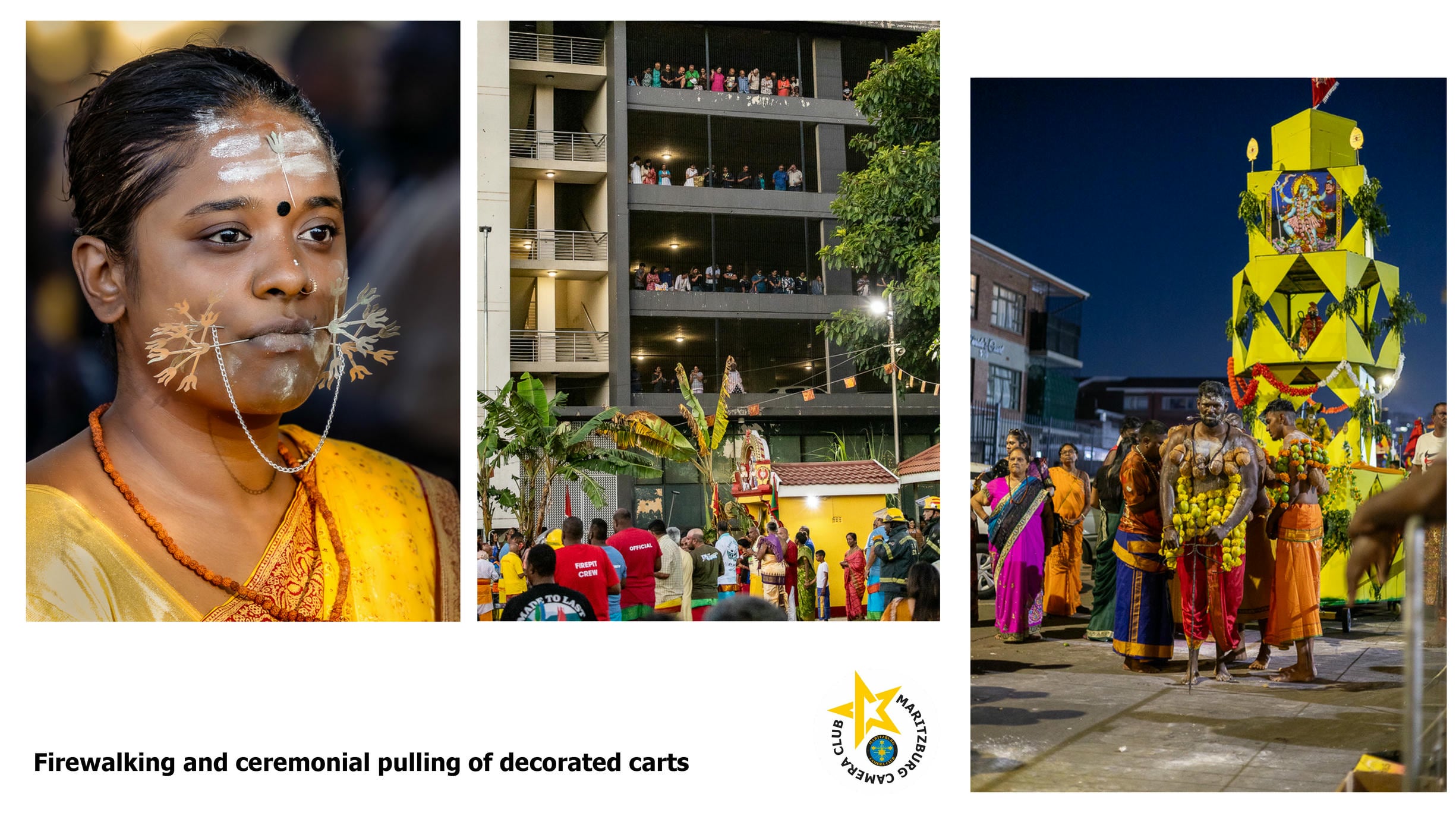
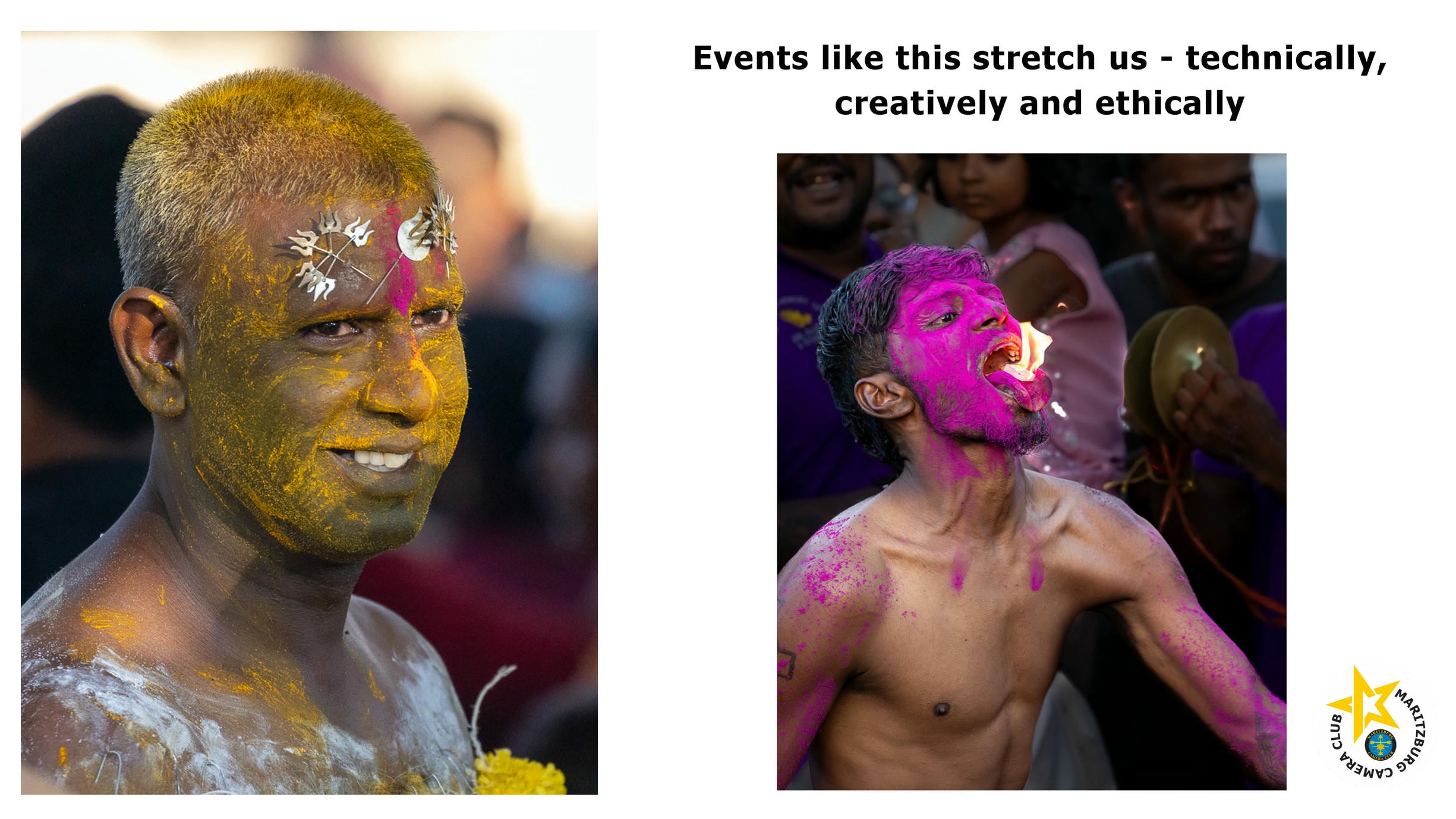
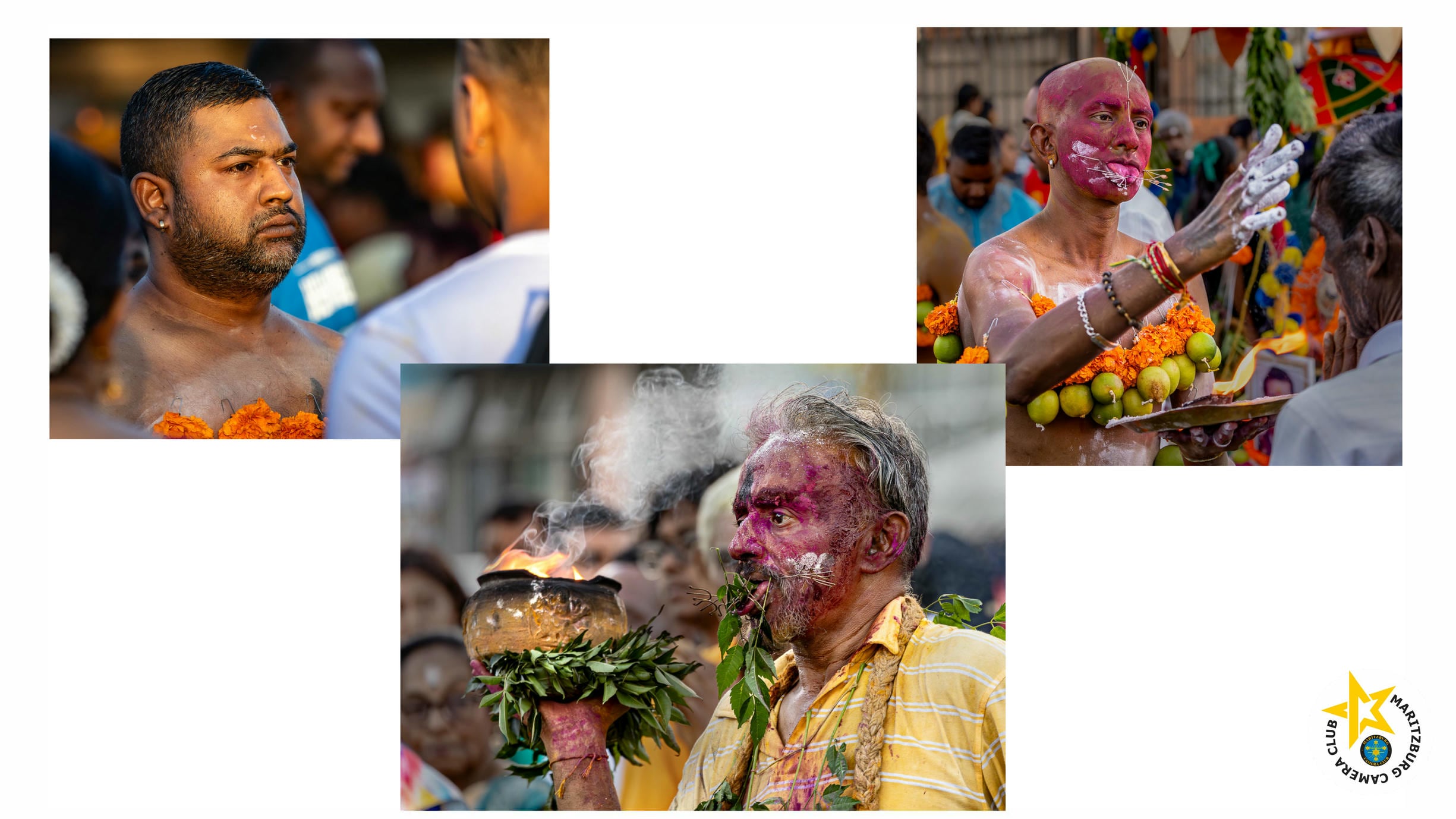
USEFUL INFO
PROGRAMMES
ALTERNATIVES TO THE ADOBE PROGRAMMES
https://www.iphotography.com/blog/best-free-photo-editing-software/

RAWTHEREAPEE - free raw processor (does jpegs too!)
For Windows and MAC
Raw - https://www.rawtherapee.com/
AFFINITY - raw and jpeg, lightweight, good for slow computers
For Windows and Mac
https://www.affinity.studio/download
Choose the Windows intel/amd version (suggested)
You will need a CANVA Free account. This is enough for editing photos for competition.
For Advanced AI tools, you will need a CANVA Premium account.
TIP: Create your Canva account first, and login using that same email and password, so that it is easy to link. If you already have a free or Premium Canva account, login with those details
-
- Merge: Affinity Designer, Photo, and Publisher are now combined into one integrated app.
- Cost: The software is free, with no upfront cost or required subscription for the core application.
- Availability: Available on desktop (Mac/Windows) and iPad.
- The Catch: Advanced AI tools and premium content are locked behind a Canva premium subscription, though the core, professional-grade tools remain free.
- License: It is designed for professional use, but now operates under a free model following its acquisition by Canva.
DARKTABLE - the Lightroom alternative
Non-destructive RAW editing, library management with filters and tags, modules for every tonal and colour adjustment, and excellent colour-managed output. For a Lightroom user considering a switch, it is the most natural transition.
Who It Suits
Darktable suits photographers who want a complete end-to-end workflow — import, cull, develop, export — without a subscription. The interface is more modern than RawTherapee’s, though still denser than Lightroom’s.
FASTSTONE IMAGE VIEWER - free download
IRFANVIEW IMAGE VIEWER - free download
BASIC POSING FOR PORTRAITURE
WHAT'S A GOOD IMAGE?
WHAT TO LOOK FOR WHEN CHOOSING IMAGES TO ENTER...
So you went on an outing with the club, and have 500 images to go through... how do you choose the best ones?
The following applies to nature mostly - Simple, clean, good sharpness, good colour, good depth of field (shallow or deep, depending on the image).
Sport and PJ are generally busy images.
This is BEFORE processing - so the better the image, the less time you will spend on processing...
THE REALLY GOOD ONES WILL JUMP OUT AT YOU. We all come back from outings and workshops with high expectations - be patient with yourself, and be wary of deleting 499 of the 500 - go back in a few weeks time, and relook - your expectations will be less, and you will be surprised at the little gems that you find when you are a bit more chilled... IF YOU HAVE 5 COMPETITION PHOTOS FROM 500, that is excellent!
Appropriate sharpness - so eyes must be sharp.
Background - how busy is it? Can you crop out the distracting stuff? Can you clone? (depending on the category - manipulation or not)
Is there a focal point to your image? Where does your eye go when you look at your image? (remember, your eye goes to the lightest part of your image)
Where is your light? Is the bird/animal facing into the shadows (not so great) or the sun (great)?
Birds - a bird on a twig is fine for junior level, but as you go up in the rankings, the bird needs to do something - beak open, something in its mouth, flying...
Light areas - are your whites burnt out? Can you get details back with camera raw? If not, it's not a competition photo...
Dark areas - are your blacks clogged? Can you get details back with camera raw? If not, it's not a competition photo...
Cutting off - don't cut off tails, wings, legs, even when you can' see them - provide enough space for the judge to "think" they are there - except in "full the frame" images - those images are close up and tend to crop off a lot of animal/person/bird.
Which way is your animal/bird/person/car facing? Allow space for them to look/run/walk into...
Noise - a bit of noise is forgiven at junior level - noise is created by high ISO levels - some cameras can handle very high ISO - remember - you can open a jpeg in camera raw in photoshop, and there is a fairly good Denoising slider - you will have to toggle between Denoising and still keeping some sharpness...
Watch out for reflections in reflective surfaces.
WHAT IS THE STORY? Your background may be beautiful, but what story are you wanting to tell the judge?
PHOTOVAULT - how to register and upload photos
How to use Photovault Online
-
- Log into www.photovaultonline.com
-
- Click on the REGISTER menu
-
- If you are a 4 or 5 star worker you must type a 4 or a 5 (NOTHING else)
-
- If you are 1, 2 or 3 star worker you must type a 1 or a 2 or a 3 (NOTHING else). New people start as 1 star. Add in all your details.
-
- Leave the field called GROUP NAME - blank
-
- Leave the field called HONOURS - blank (unless you have a LPSSA or an APSSA or a FPSSA etc).
HOW TO UPLOAD IMAGES
-
- Once you are in PHOTOVAULT, click on MY PHOTO VAULT
-
- Click on the menu item UPLOAD NEW PHOTO
-
- Click on BROWSE and then select your photo (by looking for it on your PC)
-
- Type in a title
-
- Click on SUBMIT. This will upload your image to the Photo Vault. If your image is incorrectly sized it will reject it. You will have to correct this error and then re-try.
-
- Upload as many images as you want
-
- Now you want to assign any one of these images to a competition, do the following
-
- On the blue line at the top, click on MY CLUBS then MY CLUB ENTRIES
- A LIST OF Events for Maritzburg Camera Club will be displayed - click on ENTER HERE (in blue).
-
- There is a time in one of the steps above/below where you will have to enter an access code. This is mcc (small letters)
- Terms and Conditions, click and change to "I am familiar with and agree to..."
- Click on SAVE DETAILS AND CONTINUE TO PHOTOS
-
- On the left side, click on the category that you are entering
-
- You can either click on the empty frame, where it says CLICK TO UPLOAD NEW PHOTO, or you can scroll down the page and you will see AVAILABLE PHOTOS FROM MY PHOTOVAULT - if you click on any image, it will Auto place itself on the empty frame.
- To "delete" it from the frame, click on it.
-
- Click on BACK TO MY ENTRY OVERVIEW
-
- Click on FINALISE ENTRY. Job done. You will get an email confirming your entry. If you don't get this email, it's probably still okay, but do check our Spam or Junk folders.
If you have any trouble please phone one of the committee members.
WHAT'S APP GROUPS RULES
Thank you for being part of our MCC WHAT’S APP groups. To ensure the best possible experience for all group members, we have established some basic guidelines for participation.
THE OFFICIAL MCC WHAT’S HAPPENING GROUP
The purpose of this group is for notices and reminders by the Committee, and announcements of Star Advancements and special results. Also photo opportunities between members of the group - e.g. if one member becomes aware of a photo opportunity, such as a sporting event, taking place somewhere close by, he/she can alert other members who might be interested in taking pictures of this event.
By joining this group, you agree that you have read and will follow the rules and guidelines set below:
- As a member of MCC you have automatically been added to the "What's Happening" group.
- Mute notifications: If you would still like to keep in touch, but don't want to be disturbed by multiple message notifications (e.g. while at work), you can remain part of the group, but keep the notifications muted. To mute notifications, tap the 3 dots in the top bar (right hand corner) of the WhatsApp group. Tap MUTE NOTIFICATIONS - you will be given several options, choose one. This switches off any sounds that apply to your messages, but you will still be able to read the messages. (this is for Android, there will be other ways for other phones)
- Congratulations and comments on star promotions and results are very welcome...
- No sales, special offers (whether relating to photography or not), jokes, traffic updates, religious messages or any other notices may be posted.
- Some sales notices are allowed, but MUST be approved by the Chair.
- No personal messages, eg, brithday wishes - please send these privately.
- All defamatory, abusive, profane, threatening, offensive, or illegal comments are strictly prohibited. This includes "WTF".
- No posting before 8am or after 5pm.
- While we appreciate that a spirit of friendliness that exists in our Club Meetings, please refrain on this platform from frivolous and "clever" remarks. Keep replies, if appropriate, short and to the point.
- Any queries re competitions are fine - but please check the website first, your query may well be answered there.
- If you have any issues or suggestions you wish to question/resolve/discuss, please email the Committee on pmbcameraclub@gmail.com.
- MCC reserves the right to remove any member from this group who violates the above rules and guidelines.
THE MCC BANTER GROUP
- Keep it kind
We’re here to have fun. Chirp, tease, joke—but never at someone’s expense. - Banter ≠ Bullying
If it wouldn’t make you laugh if it was aimed at you… maybe don’t send it. - Photos welcome. Critique… gently!
Sharing work is encouraged. Feedback is great—just keep it constructive and respectful. - No gear snobbery
Whether it’s a phone, DSLR, or mirrorless — if it takes photos, it’s valid. - Stay (loosely) on topic
Photography, creativity, outings… and the occasional completely random meme. Balance is key. - No spam, please
If you’re selling something, check first. Otherwise, keep the group clutter-free. - Respect everyone’s vibe
We’ve got beginners, pros, and everything in between - no question is a silly one. - Consent matters
Don’t share someone else’s photos outside the group without asking. - Keep it light
Politics, heavy debates, and drama can stay outside. This is our creative escape. - Have fun (this is the main one!)
If you’re not laughing, learning, or inspired… we’re doing it wrong.
Shoot often. Laugh loudly. And remember - blurry photos can still win awards… sometimes.
THE POPIA ACT
Protection of Personal Information Act, 4 of 2013 ("POPIA")
You are herewith notified that you are entitled to refuse such consent and you may exercise such a right by leaving this group.
*Should you elect to remain in this group, it will be accepted that you have consented to being a part of this group and to your personal information (being your cell phone number and name) being noticeable to any person in this group. *
In this regard, we implore on all members of this group not to make use of such personal information for whatsoever reason, without obtaining the consent of the relevant person.
By staying on the group it means you consent to being here.
NATURE / WILDLIFE RULES as per PSSA
THE LAW AND PHOTGRAPHY